
• • 11/11/13 2:19 pm • 3 logs
- 8.6k views • 0 today
- save_alt 861 downloads
- Game Version
- Minecraft 1.7.2
- Progress
- 100% complete

133
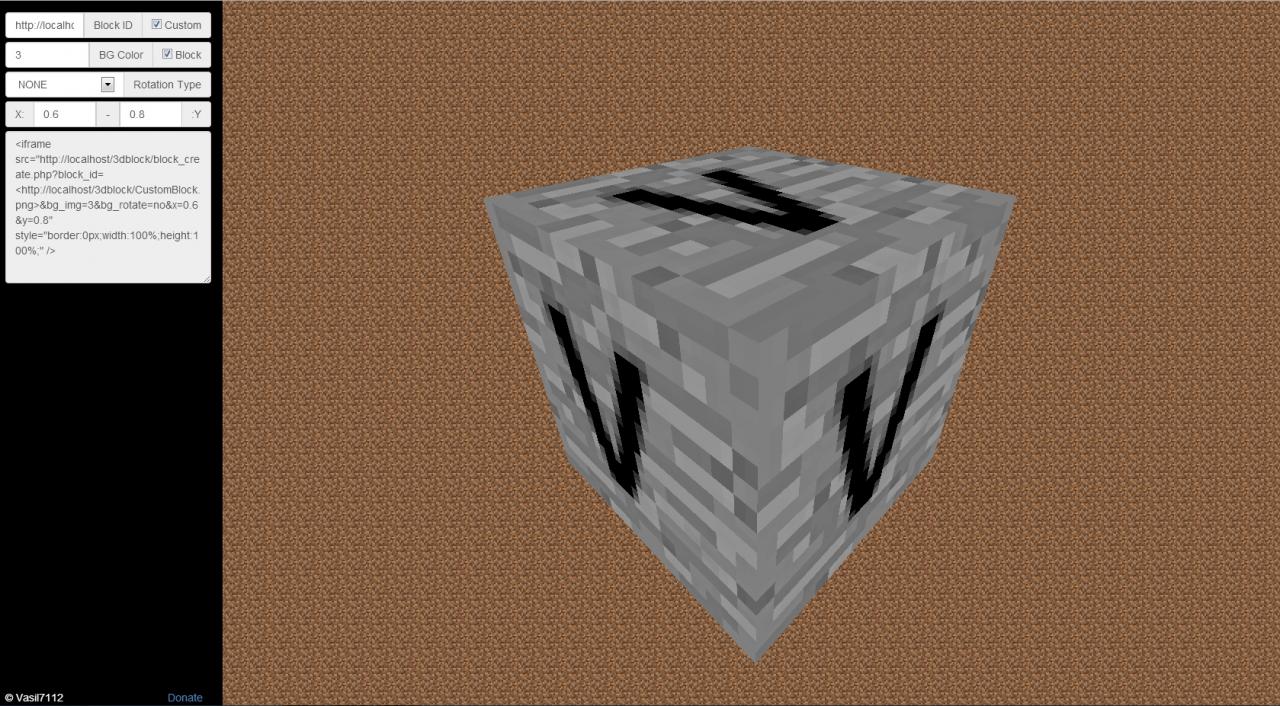
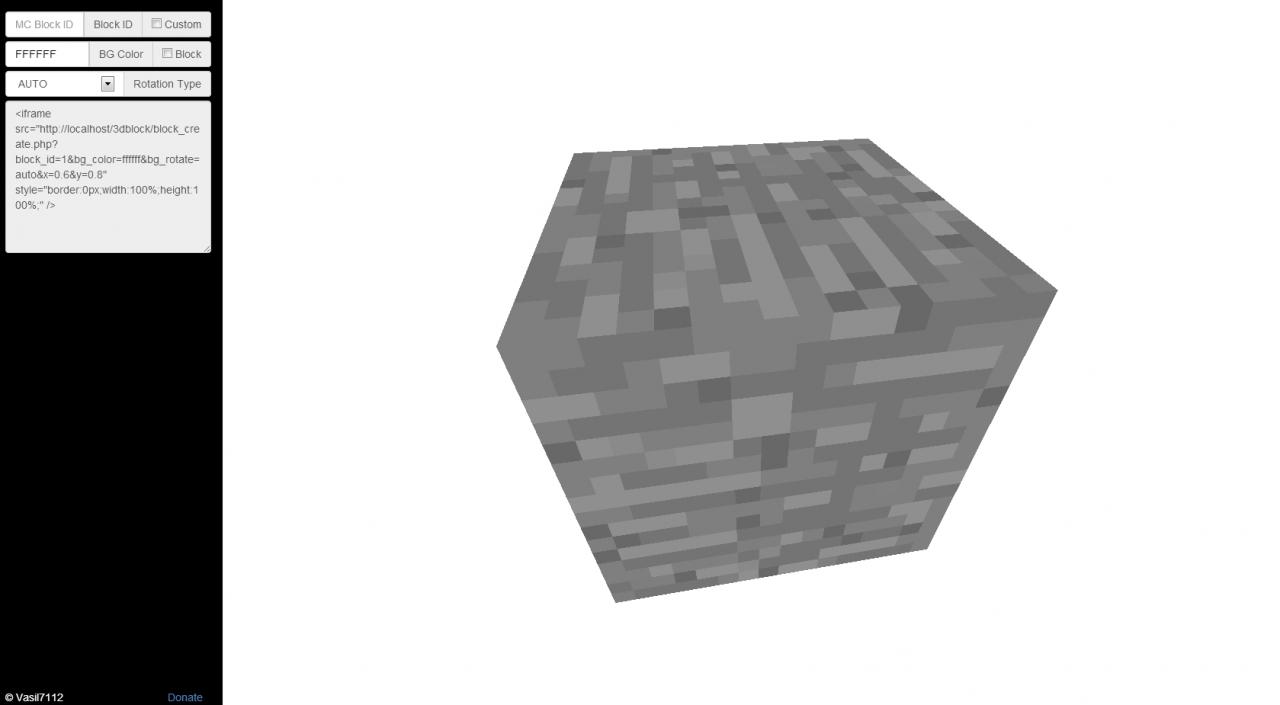
3D WebBlock Preview is a tool that can help TexturePack makers, Server Admins, Mod Creators(That add new blocks ingame) and more people! Built using Three.js this tool recreates the block from an image to a great 3D Block. It can be easily implemented on websites, or you can share your block through a link.
Where can you use all of this?
We've made it as simple as possible! Just open the tool, then add the options you want, and finally get the iframe from the output and paste it to your website :)
Feedback is much appreciated!
Where can you use all of this?
- I have a donator rank which is named gold, so i will use a nice gold block animation to preview it!
- I have a client mod, which adds 5 new blocks, so i will use MCBlocksPreview to show them to my downloaders.
- I have a texturepack and i want either to preview a block, or display one to my downloaders.
- I want to make a nice 3D block for a wallpaper i have, but i am too bored to make the 3d block image. So i will just me a stable custom block preview, Printscreen and just remove the background.
- Or use your imagination, and create something cool and unique with it!
We've made it as simple as possible! Just open the tool, then add the options you want, and finally get the iframe from the output and paste it to your website :)
Feedback is much appreciated!
__________________________________________________________________________________________________
Building, maintaining, and hosting takes a lot of time and financial resources.This is completely optional, but even a small donation can help us alot.
__________________________________________________________________________________________________
3 Update Logs
Update #3 : by vasil7112 11/11/2013 2:19:26 pmNovember 11, 2013 @ 7:19 pm UTC
Added online tool :)
LOAD MORE LOGS
More like this
 FunkyStore - Item market and schematic 3D-printer (web application)Minecraft 1.8.1 Server Mod
 MEDVEDx64
•1/28/16 8:59
4k 178 5x 587
MEDVEDx64
•1/28/16 8:59
4k 178 5x 587
 Sponzor
2560667
7
![[PLUGIN] CombinationLock - Secure your valuables! Minecraft Mod](https://static.planetminecraft.com/files/resource_media/screenshot/1412/combinationlock_thumb.jpg)


![[WEB/Alpha] 3D Block Preview Minecraft Mod](https://static.planetminecraft.com/files/resource_media/screenshot/1346/ajLugUs_6669704_thumb.jpg)
![[PLUGIN] LuckyChest - Chest + Key = Reward!!! Minecraft Mod](https://static.planetminecraft.com/files/resource_media/screenshot/1306/LuckyChest_4810315_thumb.jpg)
 Mxtsukii





 cadbane86140

 Bareneil
 XuJun
XuJun

 modecreator
 CraftzVerse
Have something to say?
P.S: I recommend you to use Chrome or Firefox with this tool!
It can be used for Texturepack designers, but that is not really the best use of it.
It was originaly created so you can preview some blocks online. Like if you have a class for your server named Gold, you could also add instead of a 2d image of gold, a 3d one.
P.S i will be sending you an msg soon :)
(random idea here)
it would be sooo cool if you could make this a thing in-game
like you would hold an item/block and press "p" or something, and get an interactive preview of the block (for modded blocks, to get an idea of what it looks like or something).
About the idea though, i think it won't be useful since minecraft already provides the 3d enviroment. So if a player just placed the block, they can know how it looks like:)