



• 6/21/13 9:00 am
- 596 views • 0 today
- save_alt 55 downloads
- Progress
- 100% complete

5
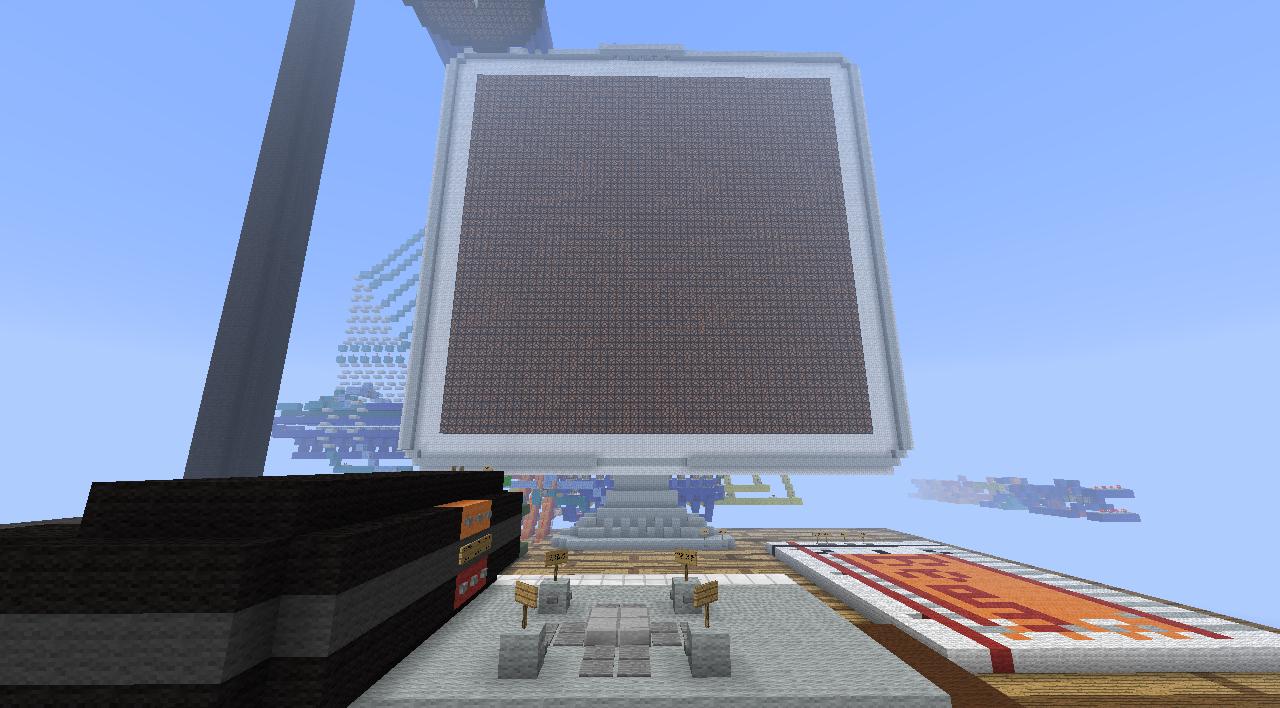
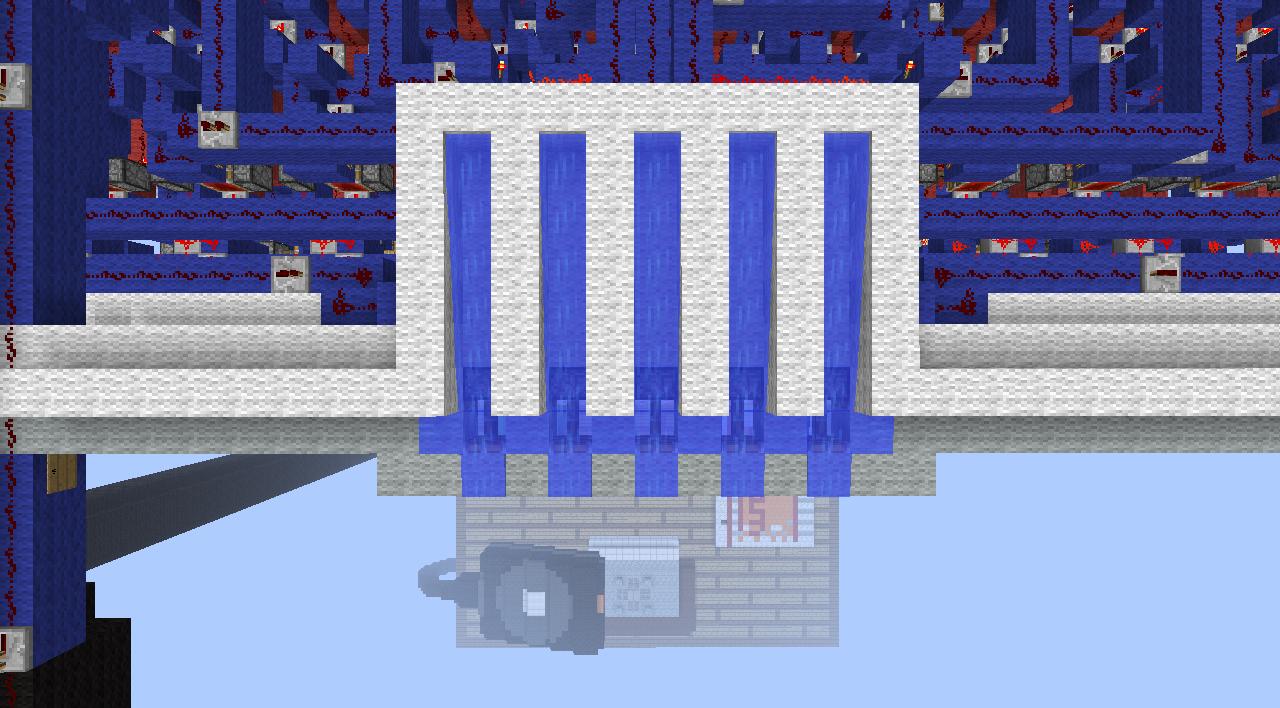
It has been a while since the original Pixel Screen was posted*, but finally, here is a greatly imporved Pixel Screen 2!
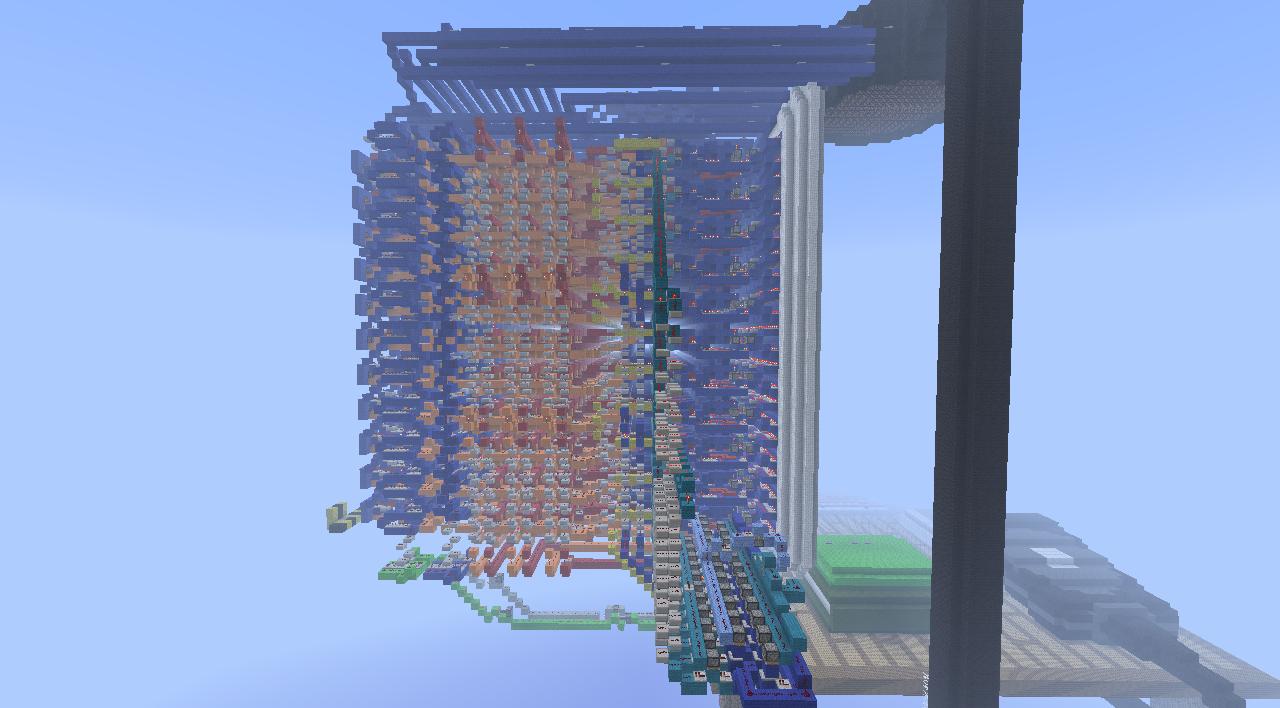
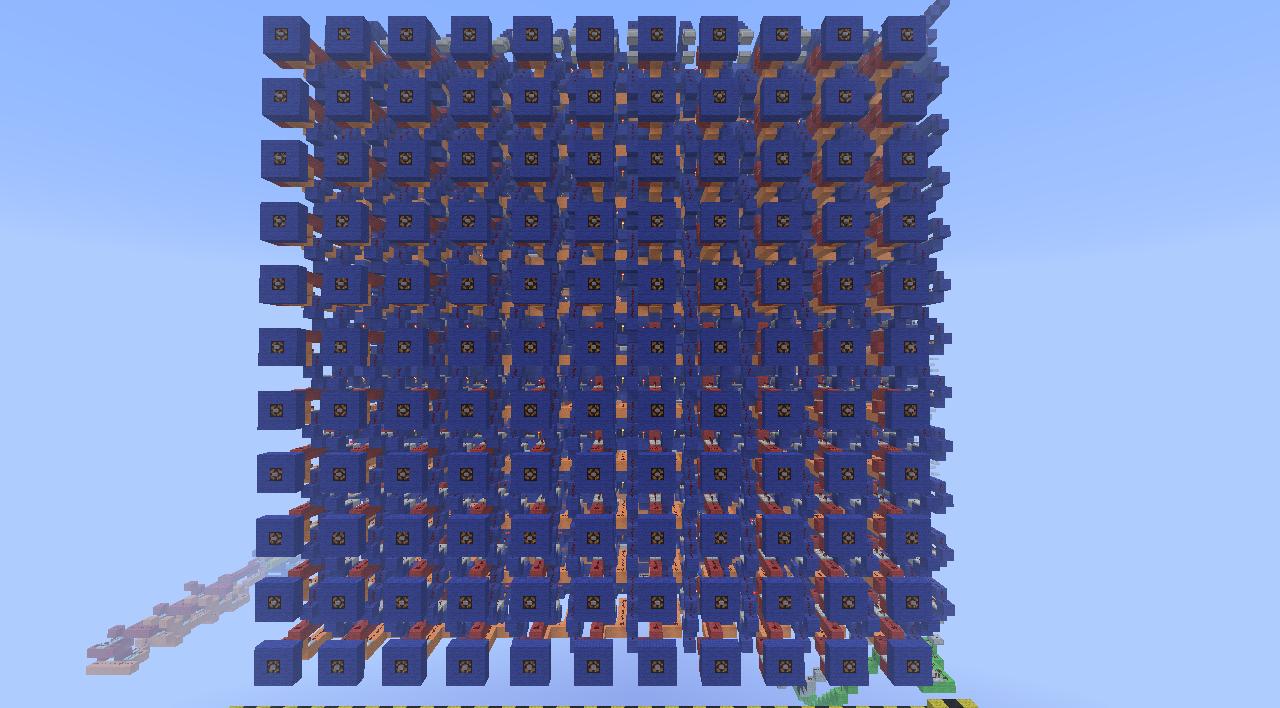
This recreation has almost no relation to the original, as so many new features have been added and nearly every old feature has been changed for the better. This new Pixel Screen features:
+ All the original features, 11x11 screen, blinking cursor, pixel state change, screen clearing, and cursor hiding, all of which have been greatly improved to make them more stable. They are explained in greater depth here*.
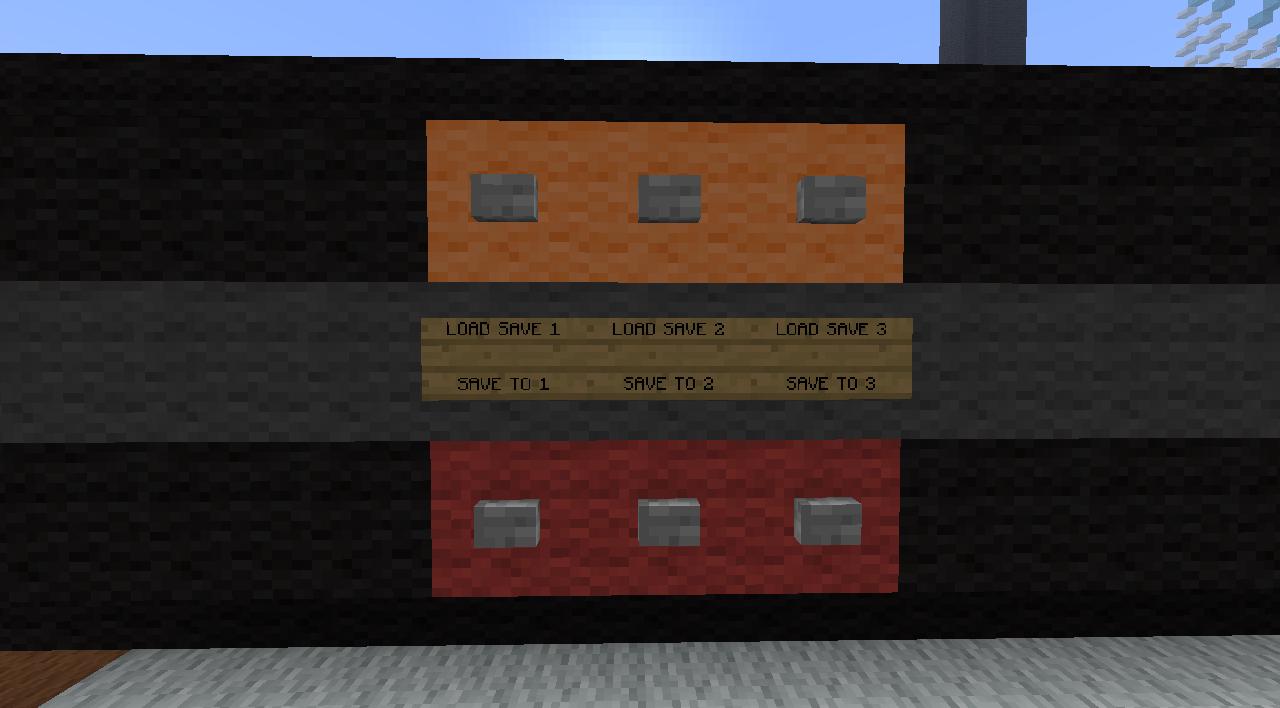
+ 3 save slots have been added, they can be access from the trackpad pictured above, the screen must be cleared before loading a save.
+ The X-Axis and Y-Axis Manipulators have been improved to make them more stable and more effective.
+ Water Printer
+ Sand/Gravel Printer
+ Manual Input
+ All main areas (Trackpad, Water Printer, Sand/Gravel Printer, Manual Input) can be access through the Teleportation Hub pictured above.
Finally, when you are done playing with this nifty little screen, be sure to come back here and tell me just how awful you think it is so I know what to improve next time!
*it can be found here: www.planetminecraft.com/project/pixel-screen/
This recreation has almost no relation to the original, as so many new features have been added and nearly every old feature has been changed for the better. This new Pixel Screen features:
+ All the original features, 11x11 screen, blinking cursor, pixel state change, screen clearing, and cursor hiding, all of which have been greatly improved to make them more stable. They are explained in greater depth here*.
+ 3 save slots have been added, they can be access from the trackpad pictured above, the screen must be cleared before loading a save.
+ The X-Axis and Y-Axis Manipulators have been improved to make them more stable and more effective.
+ Water Printer
+ Sand/Gravel Printer
+ Manual Input
+ All main areas (Trackpad, Water Printer, Sand/Gravel Printer, Manual Input) can be access through the Teleportation Hub pictured above.
Finally, when you are done playing with this nifty little screen, be sure to come back here and tell me just how awful you think it is so I know what to improve next time!
*it can be found here: www.planetminecraft.com/project/pixel-screen/
More like this

 216 Pixel Screen ALL PIXELS PROGRAMABLE! Download available!Redstone Device Map
 minecraftjames222
•4/14/12 2:23
688 26x 32
minecraftjames222
•4/14/12 2:23
688 26x 32


 Matias green
 FOC
FOC2243936
2



 PamPamPurin





 Nayko206
![Cube SPIRAL [RED ACADEMY] Minecraft Map & Project](https://static.planetminecraft.com/files/image/minecraft/project/2026/868/20125283_s.jpg)
 NuboUz
 Benjimin_MC
 Arcantos
 Hardmuscle
Have something to say?