

• 2/15/14 4:23 pm
- 641 views • 0 today
- save_alt 19 downloads
- Progress
- 100% complete


4
Super Compact Randomizer
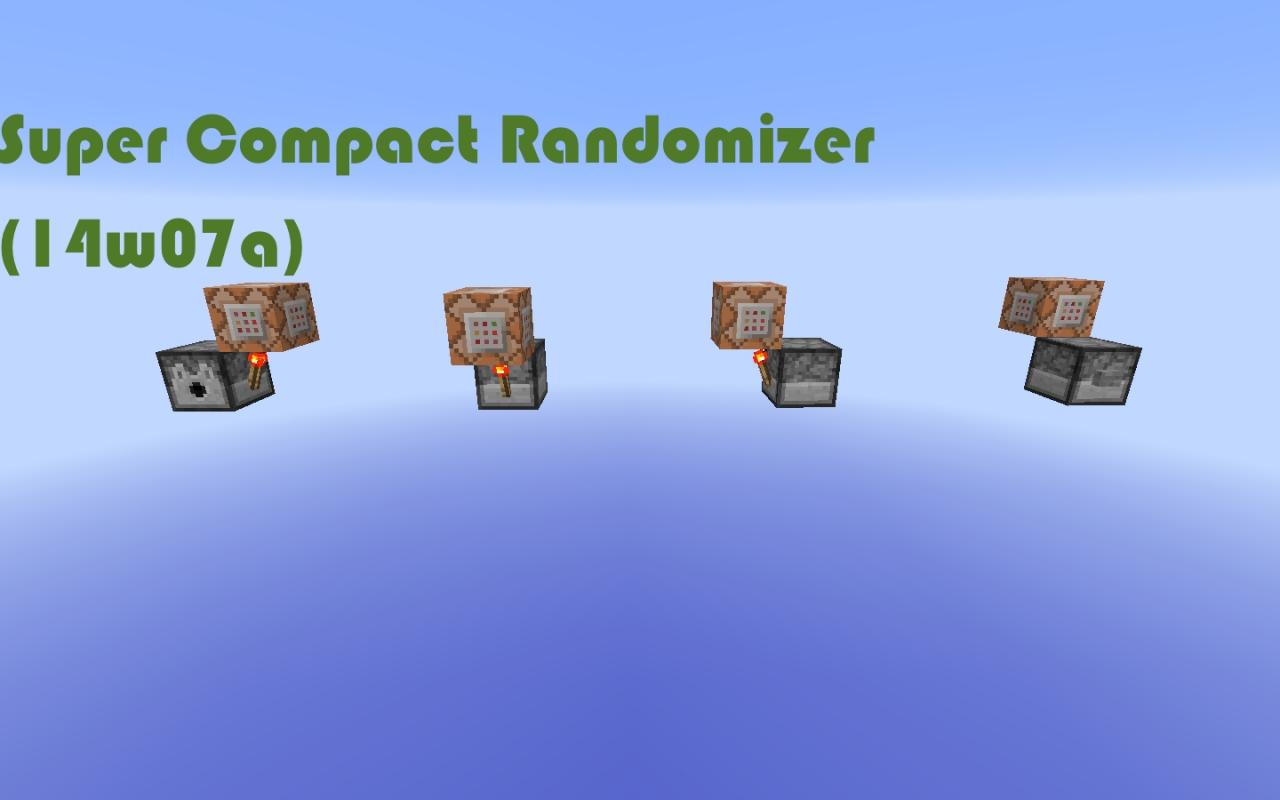
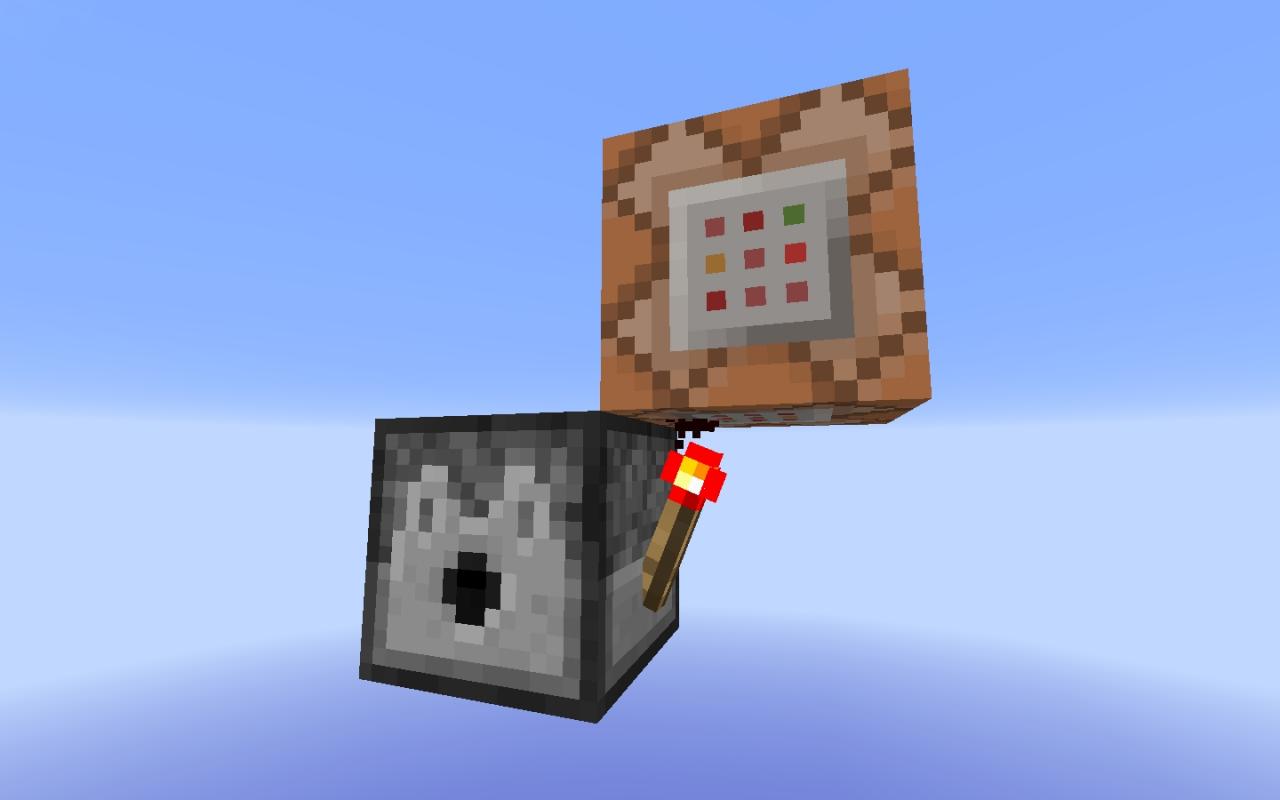
This randomizer is 3 by 1 by 2, but requires a 3 by 2 by 2 area. This uses a new snapshot feature. There are four schematics: facing north, south, east, or west. It resets itself once you press the button, so you don't have to worry about deleting the command block.
How to build:
1. Find a 2 by 2 by 2 area.
2. Place a dispenser the way you want it to be facing
3. Place a redstone torch on the side of the dispenser
4. Place a command block on top of the redstone torch with a command depending on the way the dispenser is facing:
North: /setblock ~1 ~-1 ~-1 air
East: /setblock ~1 ~-1 ~1 air
South: /setblock ~-1 ~-1 ~1 air
West:/setblock ~-1 ~-1 ~-1 air
5. Place command blocks that have NBT data inside the dispenser. The way you do this is you shift + control + middle click a command block that has the command you want to randomize.
Additional Notes
The schematic download is a folder filled with all of the schematics.More like this

 14w18a: slimeblock teleporter and elevator (broken)Redstone Device Map
 mick_the_mine
12/22/14 4:18
• posted 5/1/14 5:47
725 22 3x 252
mick_the_mine
12/22/14 4:18
• posted 5/1/14 5:47
725 22 3x 252
 Tripwire Piston Door (Compact) - Snapshot 12w22aRedstone Device Map
 iGriefKing
•5/31/12 9:13
452x 23
iGriefKing
•5/31/12 9:13
452x 23
 Shadow_Splash
 mcdude96
2755048
2





 Lufe
Lufe




 SciSyf


 unibrandon
Have something to say?