


• • 10/1/26 6:00 am • 14 logs
- 15.3k views • 3 today
- save_alt 3.6k downloads
- Compatibility
- Minecraft 1.15
- to version
- Minecraft 26.3 snapshot
- Changes include
- Advancements
- Functions
- Predicates


57
![Cauldron Concrete Powder [1.15-26.3+] Minecraft Data Pack](https://img.shields.io/github/v/release/Stoupy51/CauldronConcretePowder?logo=github&label=GitHub)
![Cauldron Concrete Powder [1.15-26.3+] Minecraft Data Pack](https://img.shields.io/badge/dynamic/json?url=https%3A%2F%2Fapi.smithed.dev%2Fv2%2Fpacks%2Fcauldron-concrete-powder%2Fmeta&query=%24.stats.downloads.total&logo=data%3Aimage%2Fsvg%2Bxml%3Bbase64%2CPHN2ZyB4bWxucz0iaHR0cDovL3d3dy53My5vcmcvMjAwMC9zdmciIHdpZHRoPSIxNiIgaGVpZ2h0PSIxNiIgdmlld0JveD0iMCAwIDQgNCIgeG1sbnM6dj0iaHR0cHM6Ly92ZWN0YS5pby9uYW5vIj48cGF0aCBkPSJNLjczNy44NTlsLjg4Ny0uMjg1Yy4wOTktLjAzMi4yMDUtLjAzMi4zMDQgMGwxLjMzNS40MjktMS4wNC4zMzR6bS0uMTk1LjE4OXYuNDg3YzAgLjEwNS4wNjguMTk5LjE2OC4yMzFsMS41MTQuNDg3TDMuMjkgMS45MWMuMS0uMDMyLjE2OC0uMTI2LjE2OC0uMjMxdi0uNDg3bC0xLjIzNC4zOTF6bS44NTkgMS4xOWwuODIzLjI2LjQxMi0uMTI3di4zNzlsLS40MTIuMTMyLS44MjMtLjI2NHptLS40NDguNTA1di4yOTlsMS4yNzIuNDA4LjgyMy0uMjY0di0uM2wtLjgyMy4yNTl6IiBwYWludC1vcmRlcj0ic3Ryb2tlIGZpbGwgbWFya2VycyIgZmlsbD0iIzFiNDhjNCIvPjwvc3ZnPg%3D%3D&logoColor=224bbb&label=Smithed&labelColor=black&color=224bbb)
![Cauldron Concrete Powder [1.15-26.3+] Minecraft Data Pack](https://img.shields.io/modrinth/dt/cauldron-concrete-powder?logo=modrinth&label=Modrinth)



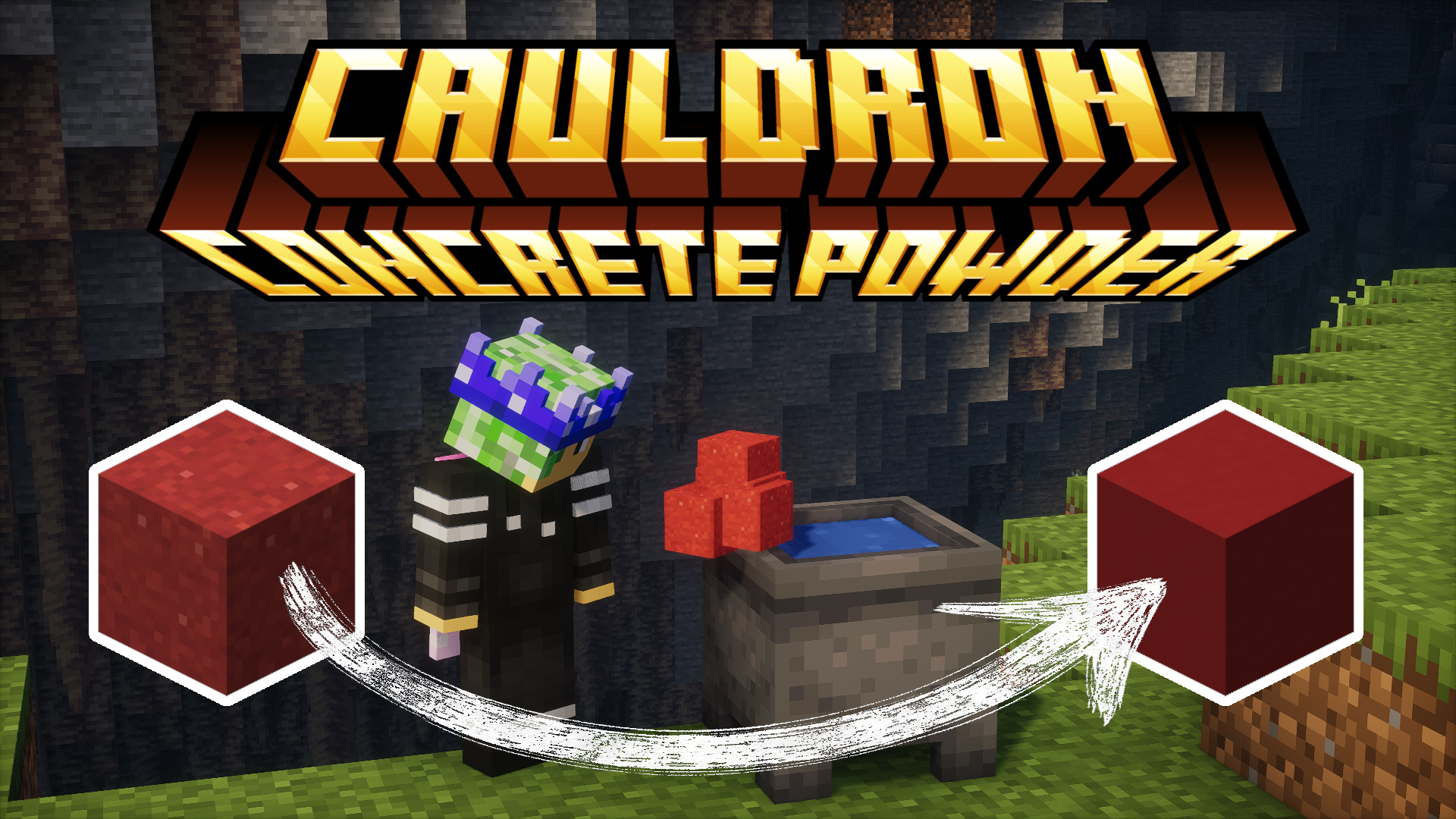
🧪 CauldronConcretePowder is a simple yet powerful Datapack that enhances your Minecraft experience
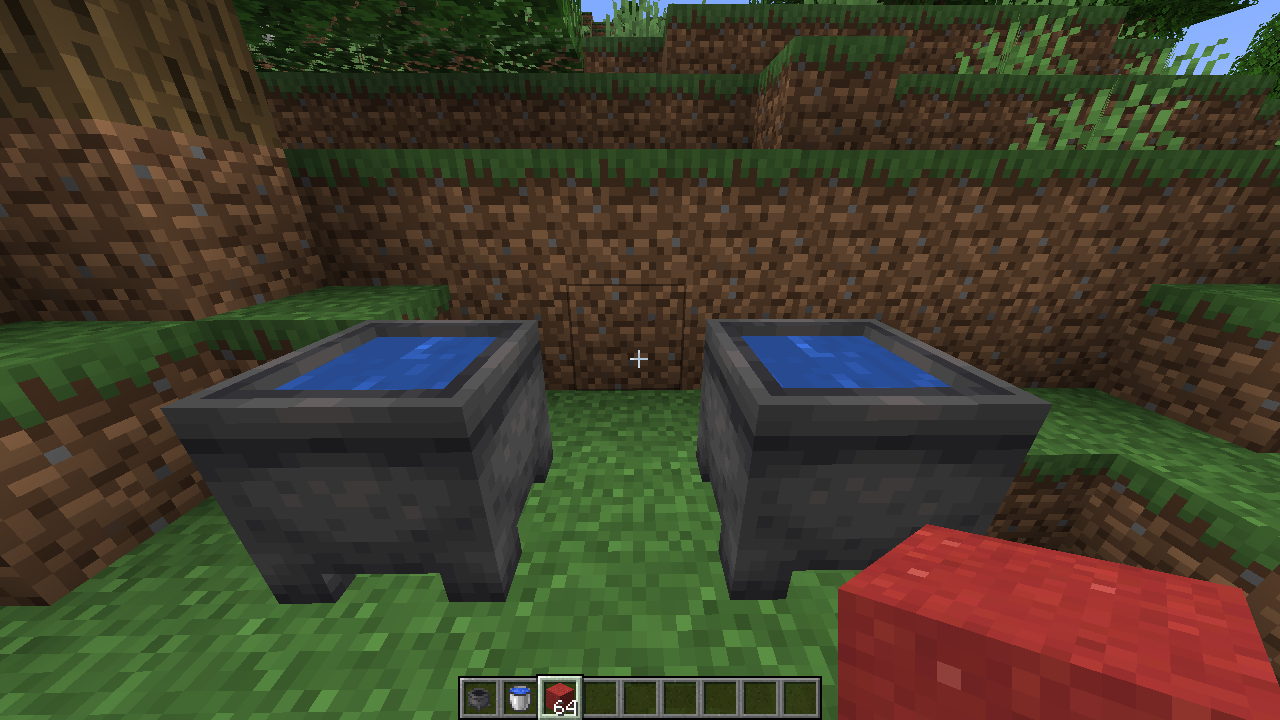
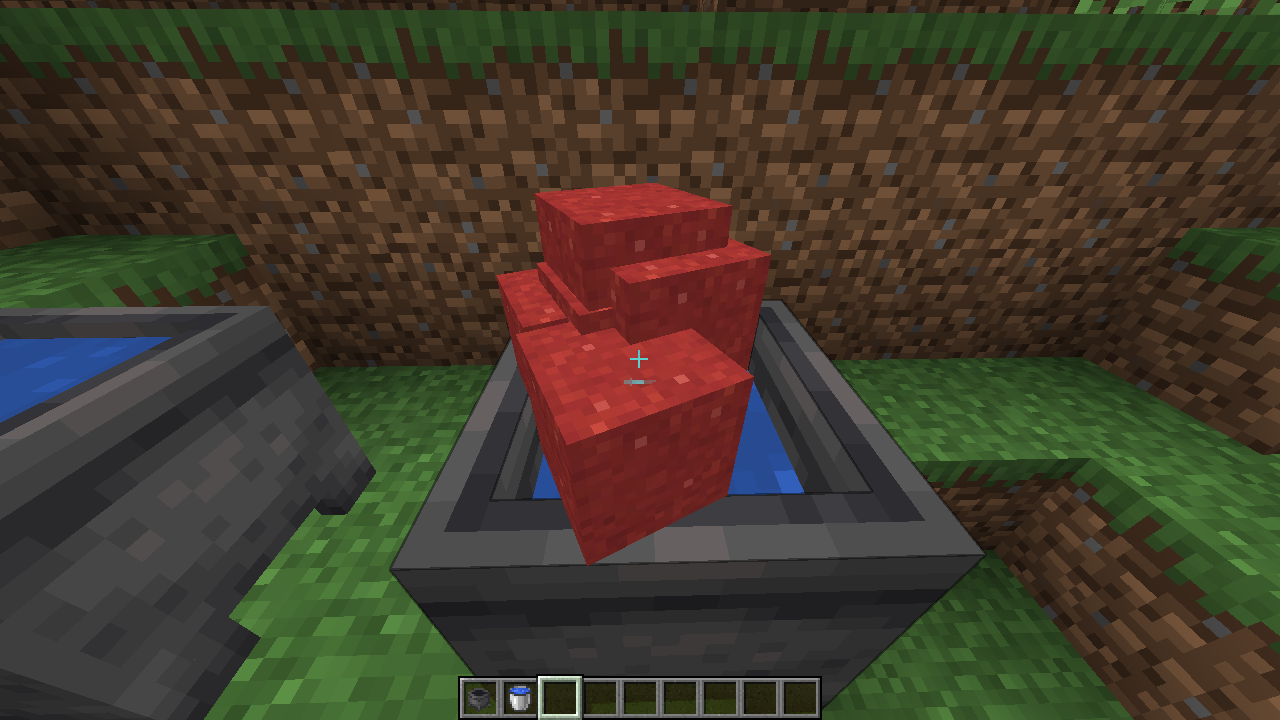
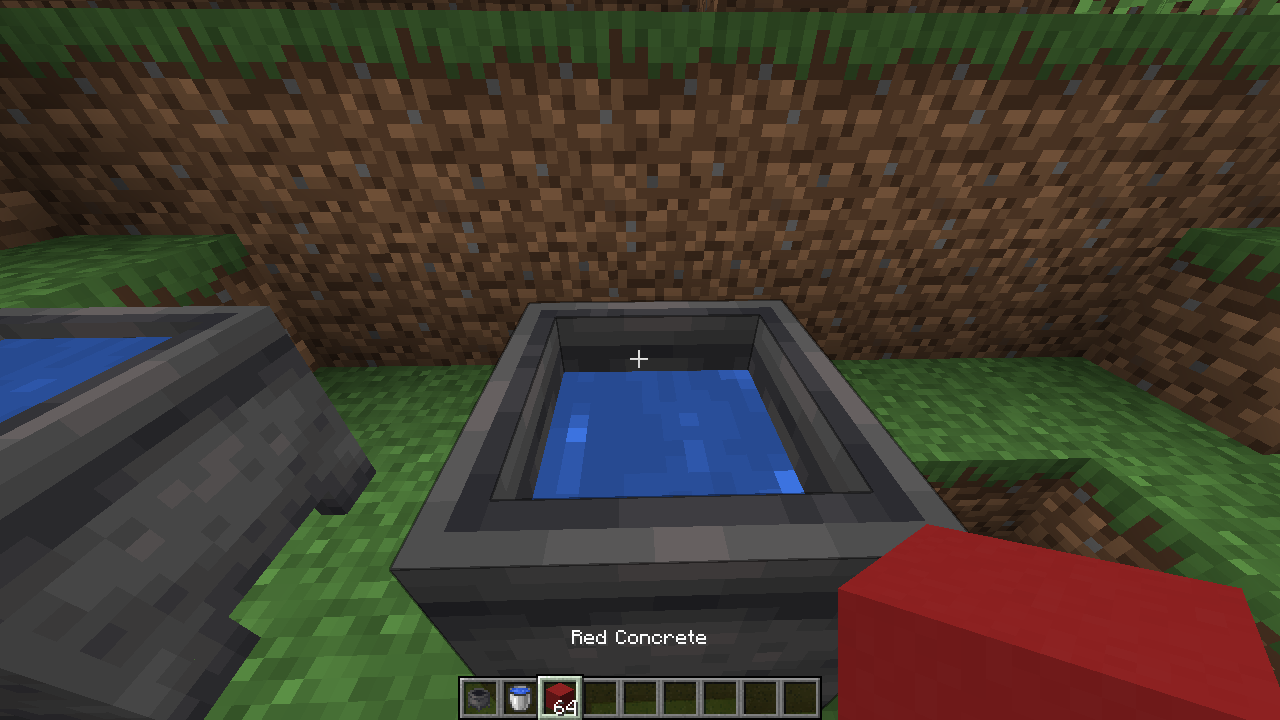
by allowing you to instantly transform concrete powder into hardened concrete by dropping it into water cauldrons!
No more tedious manual placement required.
⚡ This Datapack has been meticulously optimized for maximum performance and efficiency. Our benchmarks show it runs significantly faster than VanillaTweaks' equivalent solution.
💡 Originally created as a community request.
 |  |  |
⚙️ Configuration
🌊 Convert concrete powder not dropped by a player
Starting version 1.6.0, you can make the datapack convert every concrete powder item that lands in a water cauldron,not only the ones dropped by a player (e.g. items carried by a water stream, dispensed by droppers, broken from falling blocks, etc.).
Run this command once (it is saved with your world):
scoreboard players set #always_check cauldron_concrete_powder.config 1To go back to the default behavior (only player-dropped items), run:scoreboard players reset #always_check cauldron_concrete_powder.config⚡ By default, items are only checked when a player has dropped something, which is the most performant option.
When #always_check is enabled, items inside water cauldrons are checked every second instead.
🔧 Adding Custom Cauldron Recipes
CauldronConcretePowder uses function tags to allow other datapacks to easily add their own "cauldron recipes".This means you can create custom items that transform when dropped into water cauldrons, just like concrete powder.
📋 How It Works
The dry_concrete function is called via the function tag #cauldron_concrete_powder:signals/dry_concrete.When an item is dropped into a water cauldron, this tag is executed,
allowing multiple datapacks to add their own transformation logic.
Your custom function should:
- Check if the dropped item matches your custom "powder" item.
- If it matches, change the item to its "hardened" version.
- If the transformation is successful and the item count is 16 or more, call the remove_water function to reduce the cauldron's water level.
- Reset any temporary scores.
📦 Creating a Custom Datapack
To add your own cauldron recipe, create a datapack with the following structure:your_datapack/
├── 📦 pack.mcmeta
└── 📁 data/
└── 📁 your_namespace/
├── 📁 functions/
│ └── 📁 cauldron_concrete_powder/
│ └── 📄 dry_concrete.mcfunction
└── 📁 tags/
└── 📁 functions/
└── 📁 signals/
└── 📄 dry_concrete.json- 🔄 Replace your_namespace with your datapack's namespace.
- 📝 The dry_concrete.mcfunction should contain your custom transformation logic.
- 🏷️ The dry_concrete.json should define the function tag with your function:
{
  "values": [
    "your_namespace:cauldron_concrete_powder/dry_concrete"
  ]
}
You can download a template datapack from assets/function_tag_template.zip and modify it to fit your needs.
💡 Example Function
Here's an example of what your dry_concrete.mcfunction might look like:#> your_namespace:cauldron_concrete_powder/dry_concrete
#
[h1]@within #cauldron_concrete_powder:signals/dry_concrete[/h1]
#
[h1]Check for your custom powder and transform it[/h1]
execute if score #success cauldron_concrete_powder.dropped matches 0 store success score #success cauldron_concrete_powder.dropped if items entity @s contents your_namespace:custom_powder run data modify entity @s Item.id set value "your_namespace:custom_hardened"
[h1]If success and count >=16, remove water[/h1]
execute if score #success cauldron_concrete_powder.dropped matches 1 store result score #count cauldron_concrete_powder.dropped run data get entity @s Item.count
execute if score #success cauldron_concrete_powder.dropped matches 1 if score #count cauldron_concrete_powder.dropped matches 16.. run function cauldron_concrete_powder:v1.4.0/remove_water
[h1]Reset scores[/h1]
scoreboard players reset #success cauldron_concrete_powder.dropped
scoreboard players reset #count cauldron_concrete_powder.droppedMake sure to adjust the version in the remove_water call to match the current version of CauldronConcretePowder.
This allows for seamless integration and expansion of cauldron-based crafting!
🧵 For Fabric Mod Developers
Fabric mods can also add custom cauldron recipes by including datapack-compatible files in their mod's src/main/resources/data/ folder. Use the same structure as above, placing your custom dry_concrete.mcfunction and the function tag JSON in the appropriate directories. This way, your mod can extend the cauldron transformation system without conflicting with other datapacks or mods.For example, your mod's resources might include:
src/main/resources/data/
└── 📁 your_mod_namespace/
    ├── 📁 functions/
    │   └── 📁 cauldron_concrete_powder/
    │       └── 📄 dry_concrete.mcfunction
    └── 📁 tags/
        └── 📁 functions/
            └── 📁 signals/
└── 📄 dry_concrete.json14 Update Logs
Update #14 : by Stoupy 10/01/2026 6:00:20 amOctober 1 @ 10:00 am UTC
Changelog
Features
- ✨ Added #always_check config to convert concrete powder not dropped by a player 10d448f
Documentation
- 📝 Explained how to configure #always_check in README 95d1359
Performance Improvements
- ⚡ Only run the @a selector when a player's inventory changed (inventory_changed advancement) c3d79bb
- ⚡ Removed unnecessary return 1 in check_all (return run already discards the caller's frame) a8743a1
Build System
Other
- Merge pull request #3 from Stoupy51/feat/always-check-config 100929a
Full Changelog: https://github.com/Stoupy51/CauldronConcretePowder/compare/v1.5.4...v1.6.0
LOAD MORE LOGS
More like this
 Vein Miner 1.20.4-1.20.6Minecraft 1.20 - 1.21 Quality of Life Data Pack
 WonderBoots
•5/30/24 8:58
19k 6.4k 11x 11212
WonderBoots
•5/30/24 8:58
19k 6.4k 11x 11212 Better HealthbarMinecraft 1.20 - 26.2 Quality of Life Data Pack
 Vanderflys
5/13/24 3:44
• posted 12/29/23 8:43
5k 746 6x 81212
Vanderflys
5/13/24 3:44
• posted 12/29/23 8:43
5k 746 6x 81212 Vertical SlabsMinecraft 1.20 - 26.2 Quality of Life Data PackVanderflys
•12/29/23 8:19
4.1k 484 4x 1915
Vertical SlabsMinecraft 1.20 - 26.2 Quality of Life Data PackVanderflys
•12/29/23 8:19
4.1k 484 4x 1915 AutoBeaconsMinecraft 1.19 - 1.20 Quality of Life Data Pack
 Frogster
1/8/24 5:45
• posted 12/24/23 1:11
1.3k 44 10x 143
Frogster
1/8/24 5:45
• posted 12/24/23 1:11
1.3k 44 10x 143 Buckets in CauldronsMinecraft 1.20 Quality of Life Data Pack
 DataCrafters
•12/5/23 10:00
1.1k 46x 255
DataCrafters
•12/5/23 10:00
1.1k 46x 255
5879471
119

![Cauldron Concrete Powder [1.15-26.3+] Minecraft Data Pack](https://static.planetminecraft.com/files/image/minecraft/data-pack/2025/471/19229637-promo_s.jpg)
![Stardust Fragment [v4.1.1 beta] Crossing Adventure & Technology Minecraft Data Pack](https://static.planetminecraft.com/files/image/minecraft/data-pack/2022/318/15818620-minia_s.jpg)
![SimplEnergy [v2.1.1] Minecraft Data Pack](https://static.planetminecraft.com/files/image/minecraft/data-pack/2025/840/18970510_s.jpg)
![Furnace NBT Recipes [Library] Minecraft Data Pack](https://static.planetminecraft.com/files/image/minecraft/data-pack/2024/329/18369035-original-icon_s.jpg)

 ReMercury69







 nugrevan
![Completionist Checklist [26.3] Minecraft Data Pack](https://static.planetminecraft.com/files/image/minecraft/data-pack/2026/426/20198390_s.jpg)
 IA_Des
 AhmedTurysta
 CammoKitty95

Have something to say?