


• 7/17/26 6:28 am
- 170 views • 1 today
- save_alt 3 downloads
- Compatibility
- Minecraft 26.2
- Changes include
- Advancements
- Functions
- Predicates
- Recipes

19
Material Counter
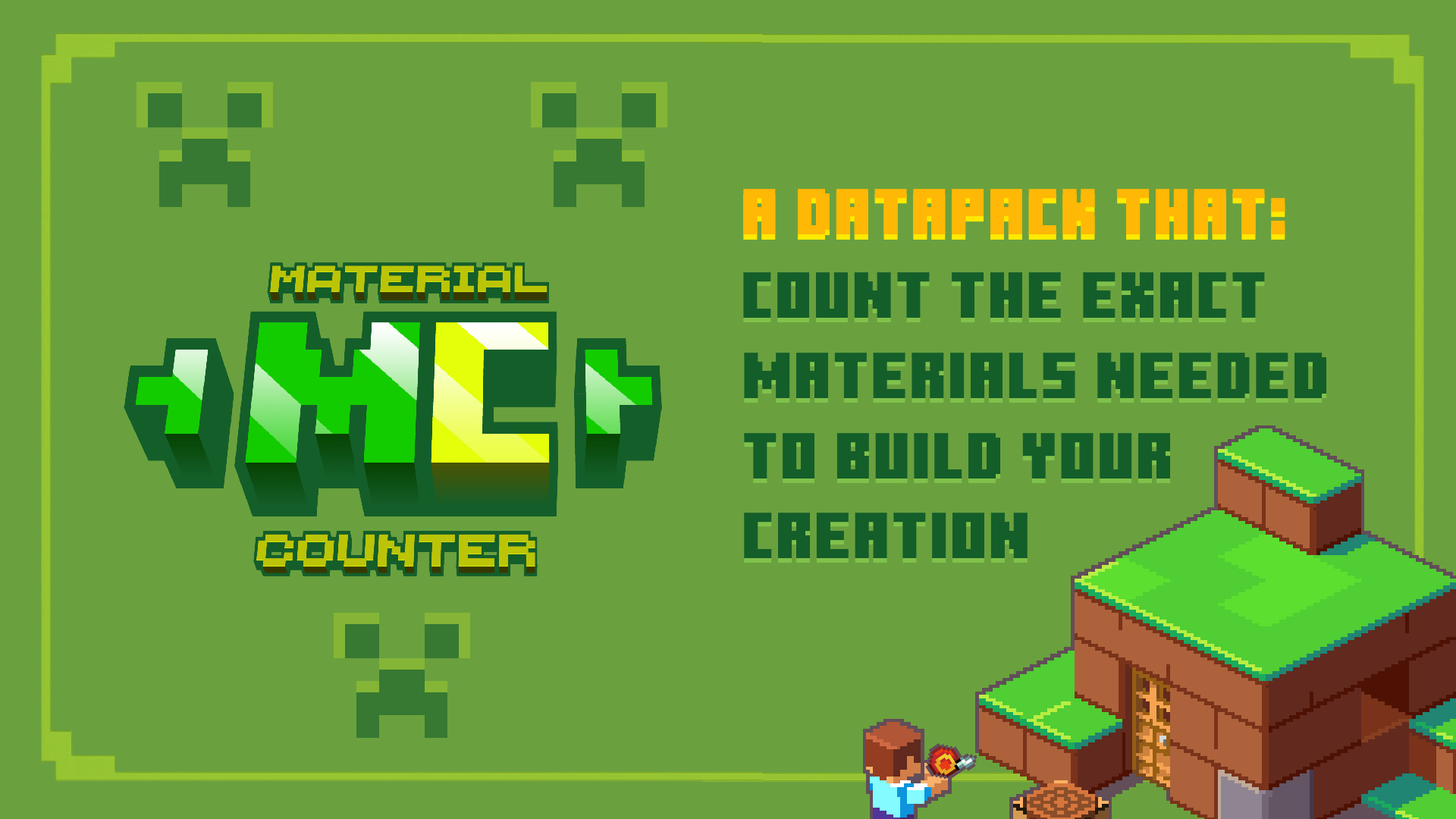
Material Counter is a lightweight Minecraft datapack that instantly calculates every material required to recreate a selected build.
Simply select two corners of your structure using the Material Counter Position Selector, and the datapack will analyze every block and generate a complete material list.
Features
- Counts every block inside the selected area.
- Displays a complete list of required materials.
- Shows the exact quantity of every block.
- Dedicated Position Selector tool.
- Automatic in-game User Guide.
- Two result display modes (Chat Mode & Book Mode).
- Toggleable position outline particles.
- Crafting recipes for both the Position Selector and the User Guide.
- Works in Vanilla Minecraft.
- No mods required.
How to Use

1. Obtain the Position Selector

You can get the tool in two different ways.

Craft it using the following recipe:


Or obtain it instantly with:


/trigger give


2. Select Position 1

Go to one corner of your build and right-click an empty block face.

The Position Selector changes its appearance, letting you know it's time to select Position 2.

3. Select Position 2

Go to the opposite corner of the build and right-click again.

The datapack will automatically begin analyzing the selected area.

4. Wait for the calculation

Depending on the size of the selected area and your computer's performance, this may take a few seconds.

5. View the results

By default, the material list is displayed in chat.

You can also switch to Book Mode, which creates a book containing the complete material list.
Datapack Settings

/trigger list

Switch between two display modes:
- Chat Mode (Default)
- Book Mode
Book Mode is recommended for large builds because Minecraft chat has a limited number of visible lines.

/trigger position_outlines

Enable or disable the particles that mark Position 1 and Position 2.

Default: Enabled
Automatic User Guide

The first time you join a world with the datapack installed, you'll automatically receive an in-game User Guide explaining every feature.

If you lose it, simply craft another copy using its crafting recipe.
Compatibility
- Vanilla Minecraft
- Singleplayer
- Multiplayer
- No mods required
Place the ZIP file in your world's datapacks folder.

To enable the custom texture for the Position Selector, place the same ZIP file in the resourcepacks folder as well.
Warning

Selecting extremely large areas may temporarily freeze or crash Minecraft.

Your world should remain safe, as Minecraft Java Edition can restore backups if a crash occurs during datapack execution.
Credits

Creator
MrKazanek

Texture Artist
Bluzers
Thank you to everyone who supported this project! ❤️
1 Update Logs
1.1 : by MrKazanek 07/18/2026 5:33:54 amJuly 18 @ 9:33 am UTC
Update 1.1 - Improvements & New Features
This update introduces several quality-of-life improvements and new features to make Material Counter easier and more convenient to use.
🎨 Position Selector Visual Feedback

The Material Counter Position Selector now changes its appearance after selecting Position 1, making it clear that the next step is selecting Position 2.
📖 In-Game User Guide

A complete in-game User Guide has been added.

Players automatically receive the guide the first time they join a world with the datapack installed. If the book is lost, it can be crafted again using its crafting recipe.
⚡ Easier Tool Access

The Position Selector can now be obtained using:


/trigger give


Previously, the only command-based method was:


/function materialcounter:give_item


Because `/trigger` doesn't require operator permissions, obtaining the tool is now much easier in Survival worlds.

The crafting recipe is still available.
🛠 Updated Crafting Recipe

Based on community feedback, the crafting recipe for the Material Counter Position Selector has been updated.

The recipe now requires Paper instead of a Stick.
⚙️ New Datapack Settings

Two new settings have been added.

/trigger list

Switches between:
- Chat Mode (default)
- Book Mode
Book Mode generates a book containing the complete material list, making it ideal for large and complex builds.

/trigger position_outlines

Enables or disables the particles that mark Position 1 and Position 2.

Enabled by default.
🔄 Toggle Commands

The new `/trigger` commands do not require any arguments.

Simply run the command to switch to the next option.

Example:


/trigger list


• First use → Book Mode

• Second use → Chat Mode

The same behavior applies to:


/trigger position_outlines
❤ Thank You!

Thank you for downloading Material Counter!

If you have any suggestions, bug reports, or ideas for future updates, feel free to leave a comment.
More like this
 Better HealthbarMinecraft 1.20 - 26.2 Quality of Life Data Pack
 Vanderflys
5/13/24 3:44
• posted 12/29/23 8:43
4.9k 744 6x 81212
Vanderflys
5/13/24 3:44
• posted 12/29/23 8:43
4.9k 744 6x 81212 Vertical SlabsMinecraft 1.20 - 26.2 Quality of Life Data PackVanderflys
•12/29/23 8:19
4k 480 4x 1915
Vertical SlabsMinecraft 1.20 - 26.2 Quality of Life Data PackVanderflys
•12/29/23 8:19
4k 480 4x 1915
![For Vanilla Flowers [DataPack] [Fabric/Forge] Minecraft Data Pack](https://static.planetminecraft.com/files/image/minecraft/data-pack/2025/678/18911944-examplebylrecine_s.jpg) For Vanilla Flowers [DataPack] [Fabric/Forge]Minecraft 1.21 Quality of Life Data Pack
For Vanilla Flowers [DataPack] [Fabric/Forge]Minecraft 1.21 Quality of Life Data Pack Rochedo
•6/18/25 9:46
1.2k 189 2x 177
Rochedo
•6/18/25 9:46
1.2k 189 2x 177 AutoBeaconsMinecraft 1.19 - 1.20 Quality of Life Data Pack
 Frogster
1/8/24 5:45
• posted 12/24/23 1:11
1.3k 43 10x 143
Frogster
1/8/24 5:45
• posted 12/24/23 1:11
1.3k 43 10x 143
 BeyondTheEnd
6990420
119




 illi11






 CraftingMeister8
Have something to say?