



• • 6/26/14 12:30 pm • 2 logs
- 4.7k views • 1 today
- save_alt 383 downloads
- Game Version
- Minecraft 1.7.2
- Progress
- 100% complete


53
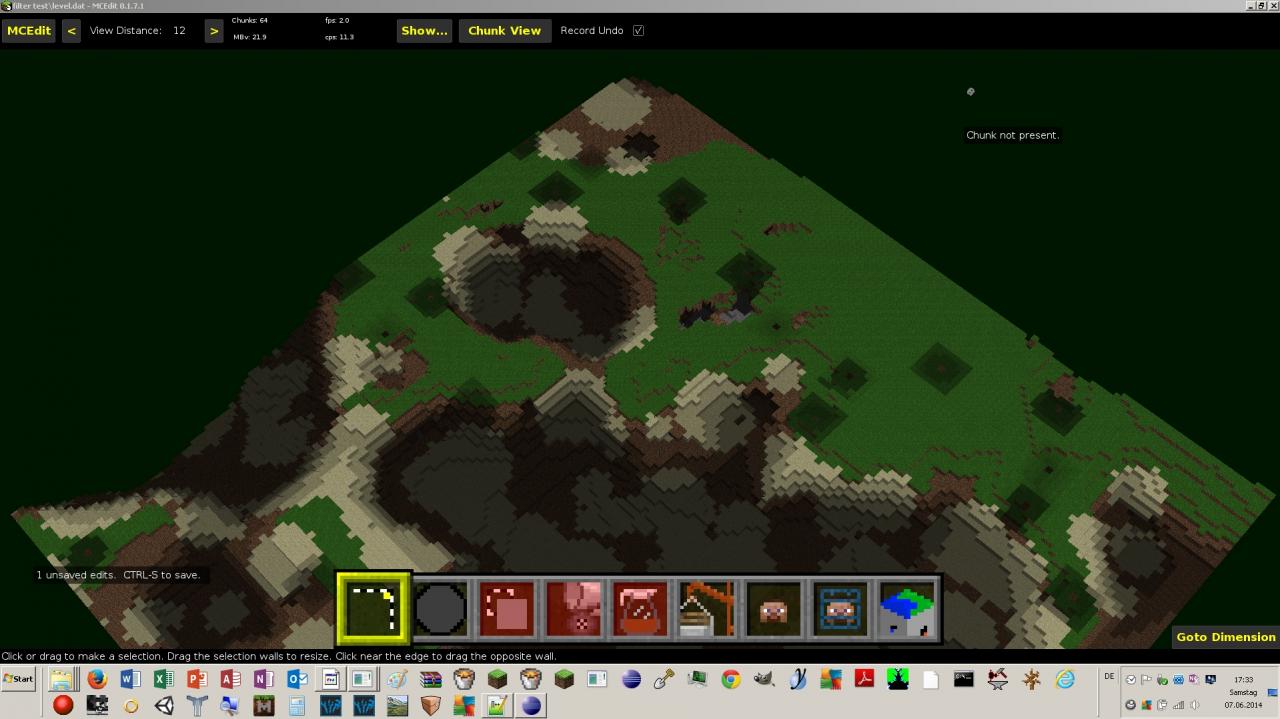
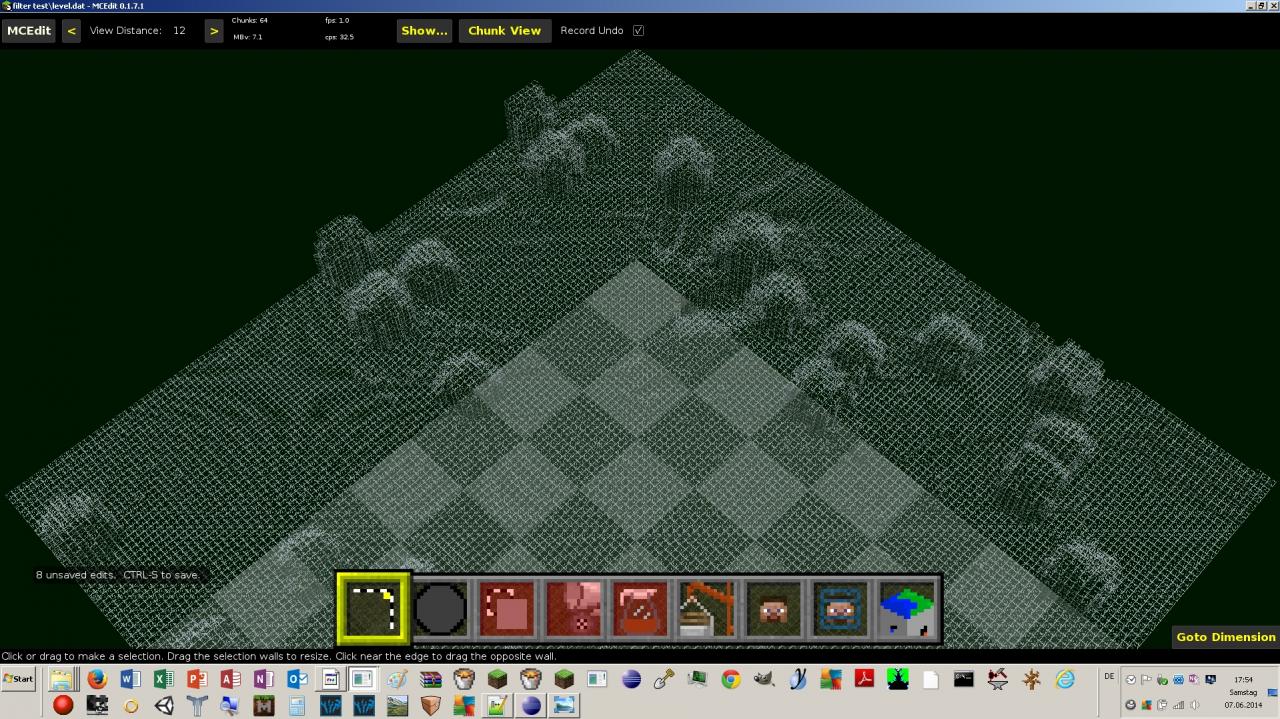
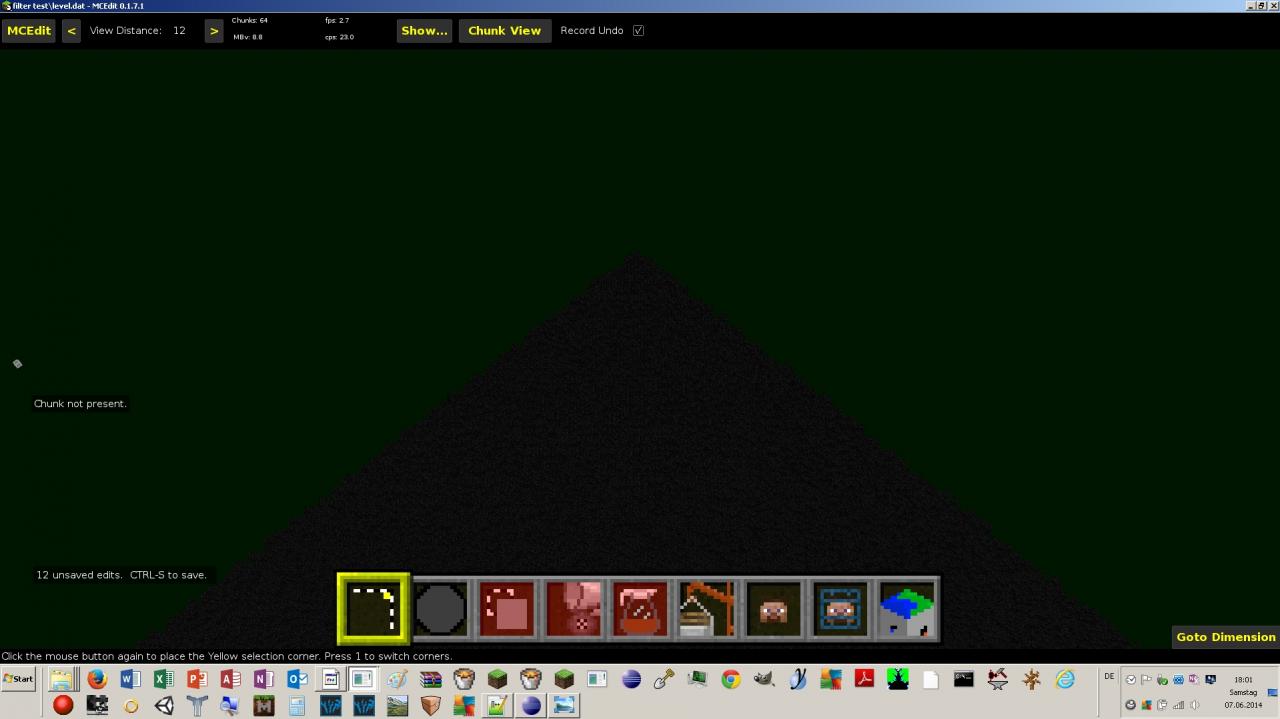
With these mcedit filters, you can make adventuremaps or something like this.
How to "install": put the .py file(s) into the filters folder int your mcedit folder.
There are now eight filters. If you want to read a short description of these, please read the update logs.
Of some filters I didn´t made images.
IMPORTANT: THIS IS NOT A MOD FOR MINECRAFT!
How to "install": put the .py file(s) into the filters folder int your mcedit folder.
There are now eight filters. If you want to read a short description of these, please read the update logs.
Of some filters I didn´t made images.
IMPORTANT: THIS IS NOT A MOD FOR MINECRAFT!
2 Update Logs
Update #2 : by Iizvullok 06/26/2014 12:30:08 pmJune 26, 2014 @ 4:30 pm UTC
In this update I addes a new filter.
previous filter:
previous filter:
- sky column: deletes n - 1 of n columns.
- clear: removes everything without the basic blocks (stone, dirt etc.).
- collaps: fills caves and something like this with a block that the user can select himself.
- id madness: increases block ids. Example: stone to grass, grass to dirt, dirt to cobblestone...
- replace all: replaces every block (not air) with a certain block.
- replace nearly all: like "replace all", but you can select a block that isn´t affected.
- dry: deletes only water and lava
- replace not: there you can up to 10 block id´s that aren´t affected from replacing blocks.
LOAD MORE LOGS
More like this
 HOLLOW - MCEdit filter to hollow out an object, or add a coating of material to it.Minecraft 1.4.7 Other Mod
 abrightmoore
•1/19/13 6:19
9.9k 2.2k 21x 4267
abrightmoore
•1/19/13 6:19
9.9k 2.2k 21x 4267 ARC MCEdit filter to draw arcs in your selection boxMinecraft 1.4.6 Other Modabrightmoore
•12/31/12 3:59
5.5k 1k 4x 1187
ARC MCEdit filter to draw arcs in your selection boxMinecraft 1.4.6 Other Modabrightmoore
•12/31/12 3:59
5.5k 1k 4x 1187 TRIMMING - MCEdit filter to replace edge blocks on your creations with another block.Minecraft 1.4.6 Other Modabrightmoore
•12/28/12 5:18
4.6k 765 5x 4135
TRIMMING - MCEdit filter to replace edge blocks on your creations with another block.Minecraft 1.4.6 Other Modabrightmoore
•12/28/12 5:18
4.6k 765 5x 4135 SUBSIDE is an MCEdit filter that collapses the land in on caves and tunnelsMinecraft 1.4 Other Modabrightmoore
•12/22/12 10:47
4k 631 17x 5187
SUBSIDE is an MCEdit filter that collapses the land in on caves and tunnelsMinecraft 1.4 Other Modabrightmoore
•12/22/12 10:47
4k 631 17x 5187
 TheAl_T
2891705
7
![Ice Mountains [new world type] v0.3.2 Minecraft Mod](https://static.planetminecraft.com/files/image/minecraft/mod/2020/456/12761778-xk-fixed-min_s.jpg)


![[PROGRAM] Heightmap generator v0.02 Minecraft Mod](https://static.planetminecraft.com/files/resource_media/screenshot/1448/unbenannt8374559_thumb.jpg)







 cappy7

 cadbane86140

 FinnDog_123


 lyuwenhan
 MidasVertex
Have something to say?
ID maddness...I like this one! xD
Replace all/nearly all...I think it's better if you could make it so that the player can replace several blocks at a time instead of running the fill and replace filter several times. Example: let us say you selected a rainbow and wanted only the color blue. You have to run the fill and replace filter several times in order to set the purple, yellow, red, and all those other colors to air and leave blue. That's a lot of work, unless there is a filter that allows you to select many IDs at the same time....
Thank you for favourite it :).
Just an idea, how about allow the 'Replace nearly all' to 'replace not' more block IDs? It would really help on a map I am trying to make. If not, then it's fine. :)