
• 9/18/15 9:35 pm
- 757 views • 1 today
- Progress
- 100% complete
Added CreditAcidWolf
- 2
- 0

2
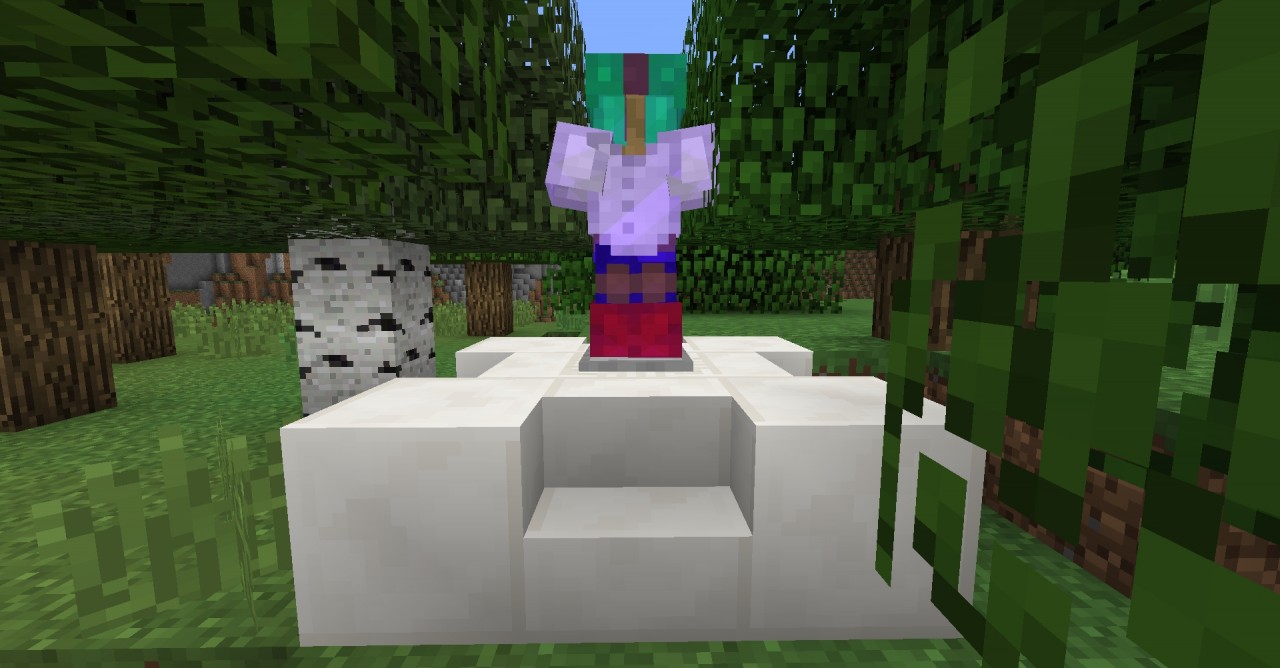
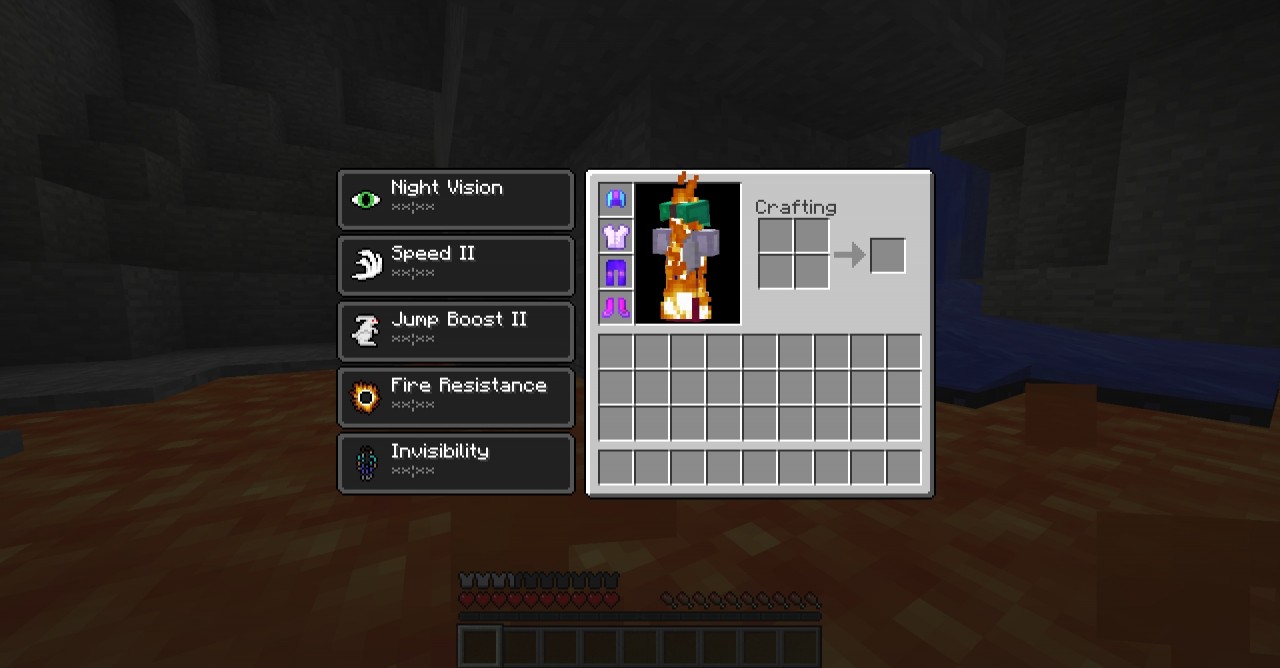
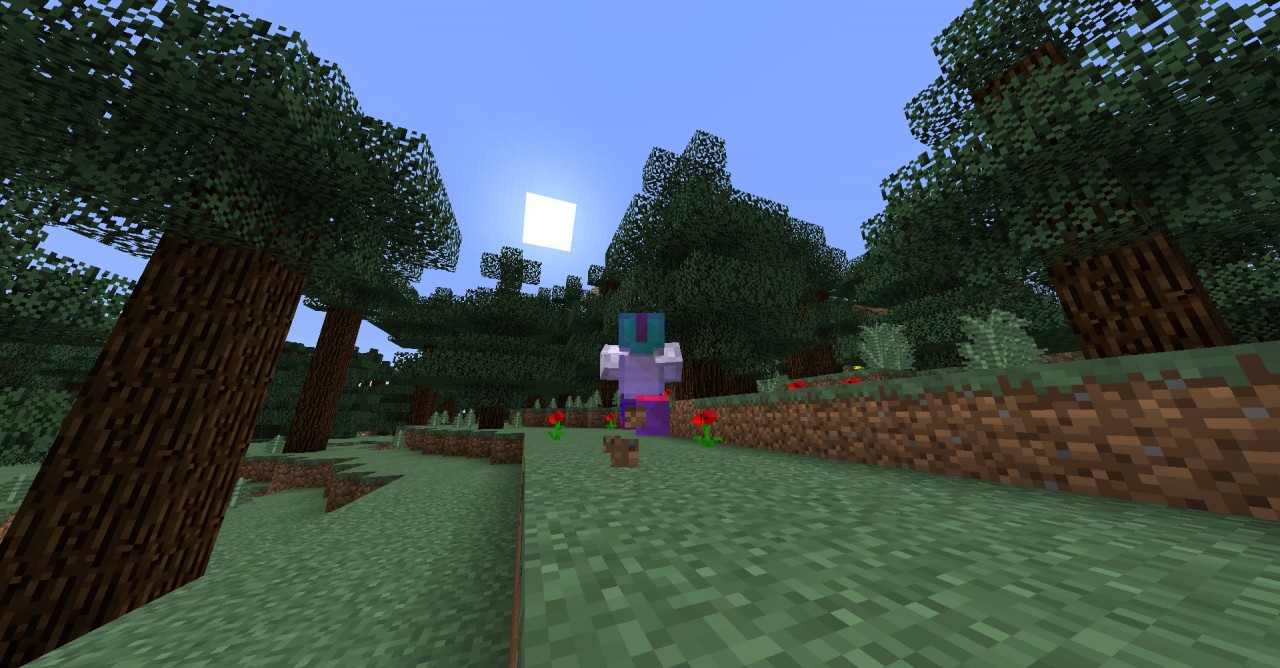
Have you ever wanted armor that can do more than just protect you? Do you want more uses for leather in your survival Minecraft world? Do you like cats? If you answered yes to any of these questions, then this is the mod for you! With only one command created by AcidWolf and Zenithian4, you can add 4 custom, fully craftable pieces of armor to your world: Night Vision Goggles, Invisibility Cloak, Lava Waders, and Pneumatic Boots.
Made with special materials, these pieces of armor grant abilities when worn, which are usually only obtainable through drinking potions. They won't protect you from damage very well, but each piece of armor is very useful, and are all worth keeping with you to help you out in many situations.
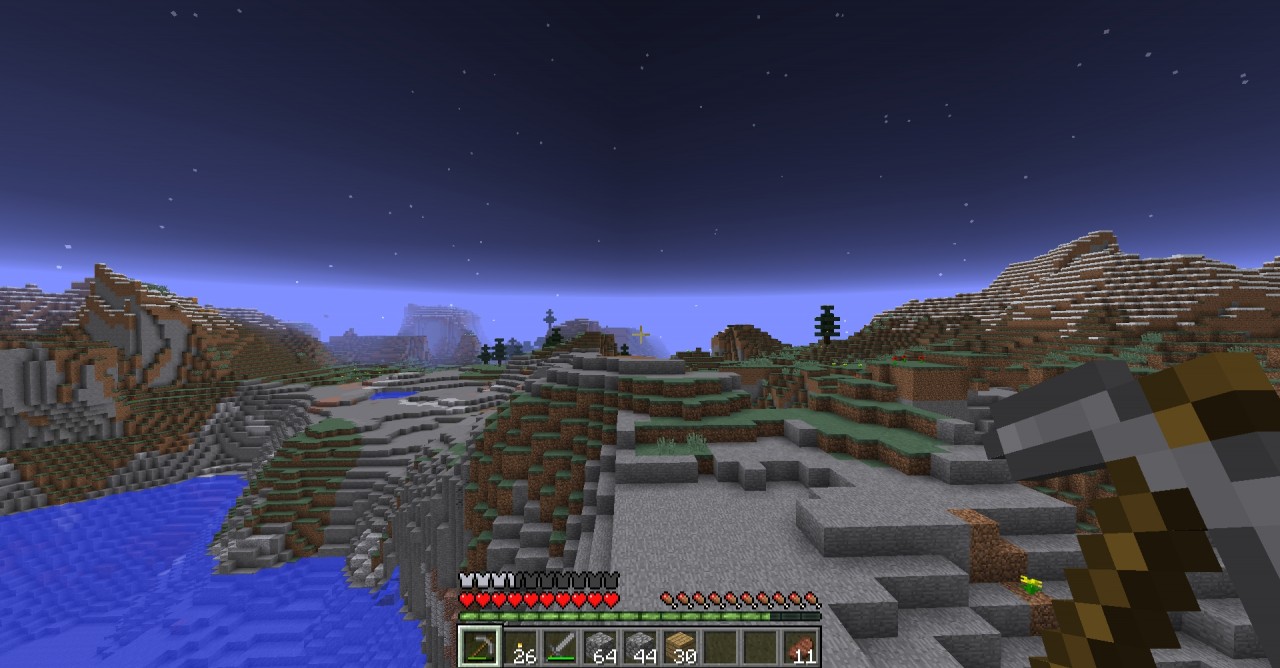
Night Vision Goggles: When worn, these high-tech goggles give you night vision.
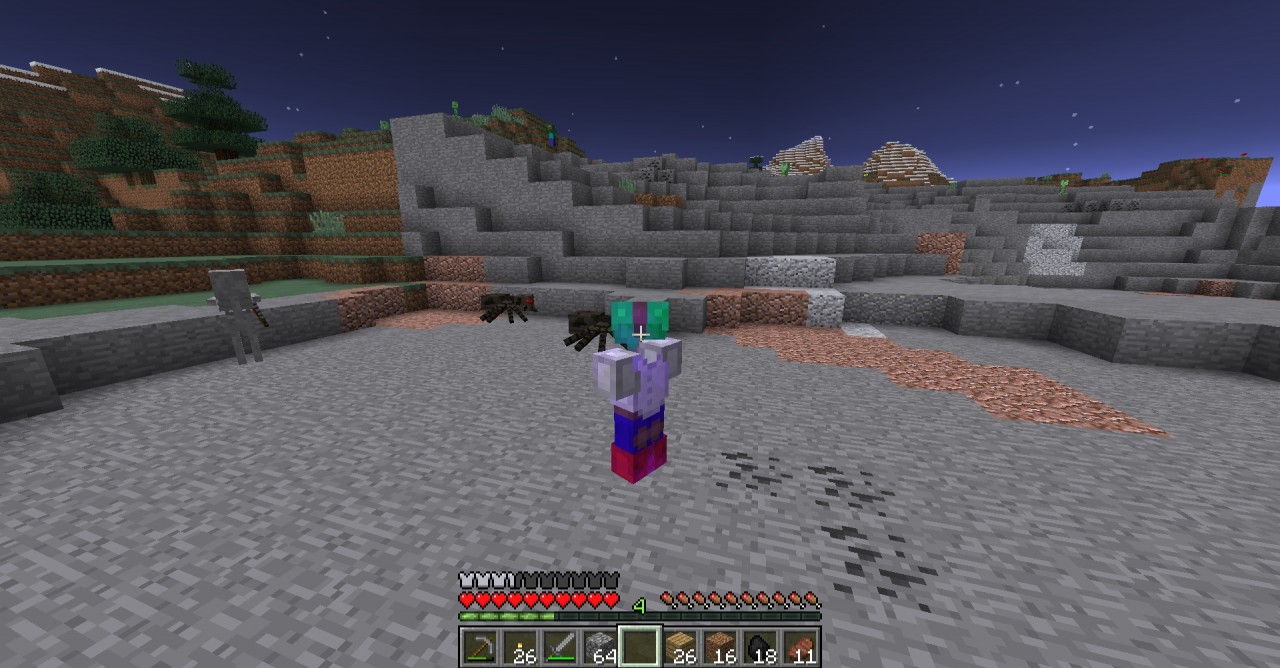
Invisibility Cloak: Gives you invisibility. Keep in mind that other players will still be able to see you, but you will be safe from mobs until you get really close!
Lava Waders: These special pants make you immune to intense heat, but be careful, for they only protect the lower half of your body. A pair of Lava Waders allows you to swim through lava source blocks, but let the lava touch the upper half of your body and you will start taking damage again!
Pneumatic Boots: When you put a pair of these boots on, you will be able to run faster and jump higher than before!
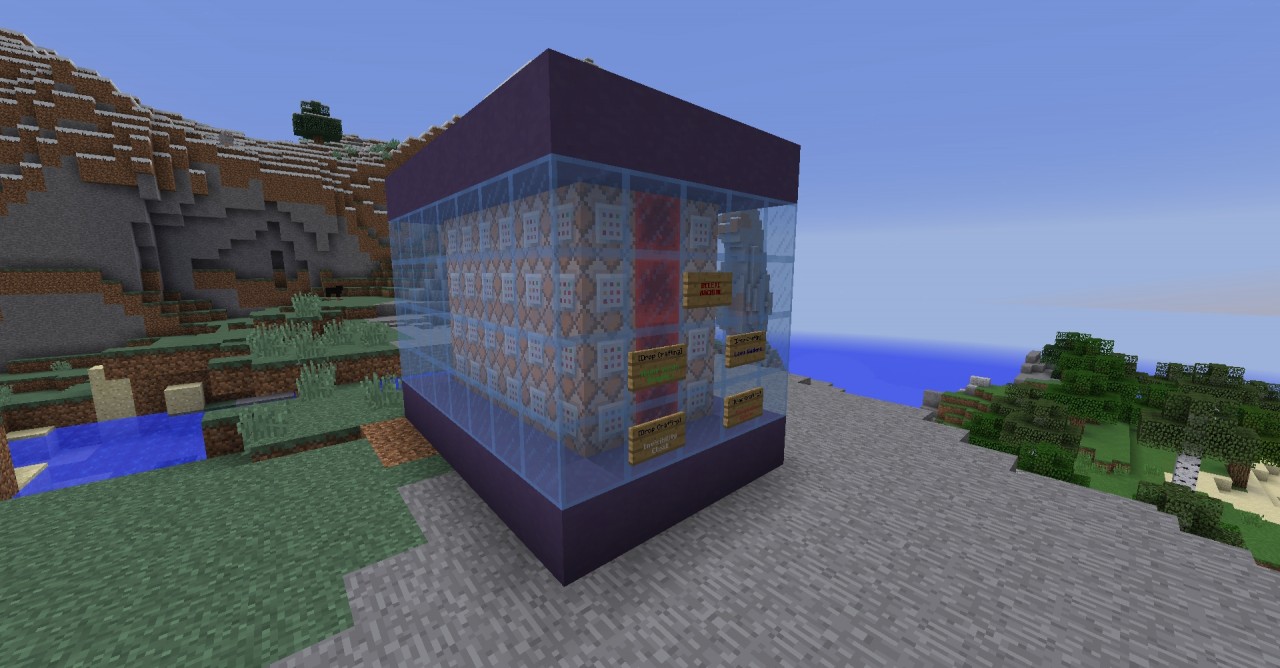
Each one is crafted through dropping certain items on the ground together, which will delete the items and give you your brand new advanced gear. All of the crafting recipes can be seen by clicking on the signs that appear on the command machine.
This mod is meant for vanilla 1.8, and is multiplayer compatible! If enough interest is shown, I will make a version that works with 1.9 as well. :)
HOW TO INSTALL:
1. Cick the following link, and copy the command that shows up:
http://pastebin.com/raw.php?i=LtnC84fe
2. Go into the world where you want to install the mod.
3. Give yourself a command block (type: /give @p command_block and press enter)
4. Place the command block, and paste the command you copied inside.
5. Power the command block with redstone, and then you're done!
Big thanks to AcidWolf and Broadwell! AcidWolf helped with the command, and Broadwell was kind enough to let us test on his server.
Leave a comment or message me if you have any questions! Diamond if you enjoy!
Made with special materials, these pieces of armor grant abilities when worn, which are usually only obtainable through drinking potions. They won't protect you from damage very well, but each piece of armor is very useful, and are all worth keeping with you to help you out in many situations.
Night Vision Goggles: When worn, these high-tech goggles give you night vision.
Invisibility Cloak: Gives you invisibility. Keep in mind that other players will still be able to see you, but you will be safe from mobs until you get really close!
Lava Waders: These special pants make you immune to intense heat, but be careful, for they only protect the lower half of your body. A pair of Lava Waders allows you to swim through lava source blocks, but let the lava touch the upper half of your body and you will start taking damage again!
Pneumatic Boots: When you put a pair of these boots on, you will be able to run faster and jump higher than before!
Each one is crafted through dropping certain items on the ground together, which will delete the items and give you your brand new advanced gear. All of the crafting recipes can be seen by clicking on the signs that appear on the command machine.
This mod is meant for vanilla 1.8, and is multiplayer compatible! If enough interest is shown, I will make a version that works with 1.9 as well. :)
HOW TO INSTALL:
1. Cick the following link, and copy the command that shows up:
http://pastebin.com/raw.php?i=LtnC84fe
2. Go into the world where you want to install the mod.
3. Give yourself a command block (type: /give @p command_block and press enter)
4. Place the command block, and paste the command you copied inside.
5. Power the command block with redstone, and then you're done!
Big thanks to AcidWolf and Broadwell! AcidWolf helped with the command, and Broadwell was kind enough to let us test on his server.
Leave a comment or message me if you have any questions! Diamond if you enjoy!
More like this
 Youtuber Gear with only one command blockRedstone Device Map
 TheRedEngineer
•3/12/16 5:27
81.9k 29.5k 35x 13618
TheRedEngineer
•3/12/16 5:27
81.9k 29.5k 35x 13618


 Useful items - Only One Command vanilla modRedstone Device Map
 Siem_72
•5/21/15 2:38
1.3k 126 2x 212
Siem_72
•5/21/15 2:38
1.3k 126 2x 212
 Code202
3463034
2
![Advanced Gear Mod [Only One Command] Minecraft Map & Project](https://static.planetminecraft.com/files/resource_media/screenshot/1538/advancedgear9405353_thumb.jpg)
![Eternity Parkour 2 [1.8+ infinite parkour map] Minecraft Map & Project](https://static.planetminecraft.com/files/resource_media/screenshot/1532/eternityparkourspawn9254553_thumb.jpg)
![Eternity Parkour [1.8 infinite parkour map] Minecraft Map & Project](https://static.planetminecraft.com/files/resource_media/screenshot/1530/eternityparkour49186137_thumb.jpg)






 EIRESUTANI

![Display entity, Miter saw [Summon command included] Minecraft Map & Project](https://static.planetminecraft.com/files/image/minecraft/project/2026/048/20079643_s.jpg)
 DreamWanderer

 Coastline Creations
 MerlinTheBlue

Have something to say?