




• • 1/28/16 2:24 am • 1 logs
- 40.1k views • 11 today
- save_alt 7.2k downloads • 3 today
- Progress
- 100% complete
Added CreditFallenArchangel

5,223
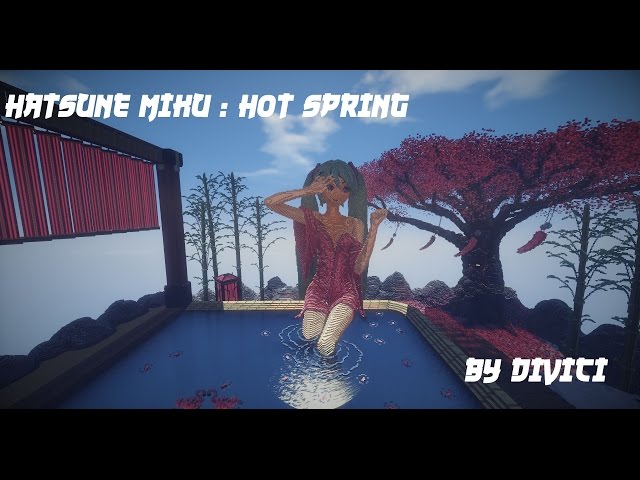
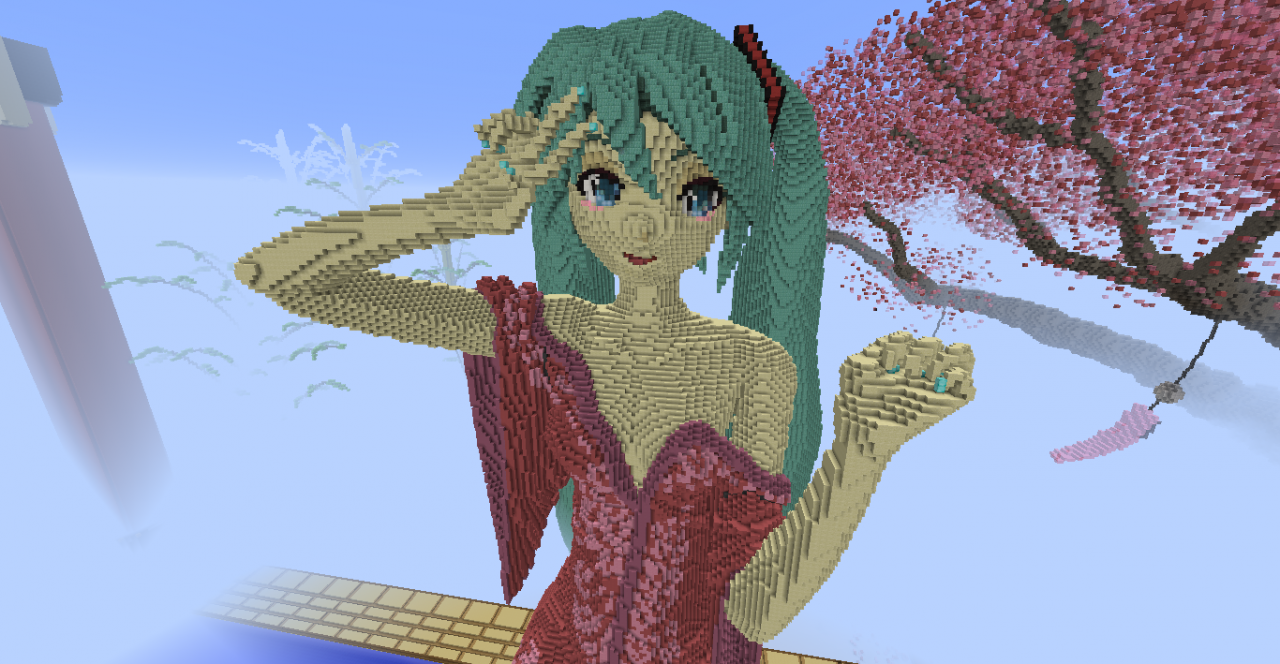
Hatsune Miku :3
Tools & Programs/Software used: Chunky Renderer, Mcedit and Worldedit.
Texturepack: Default
Tools & Programs/Software used: Chunky Renderer, Mcedit and Worldedit.
Texturepack: Default
1 Update Logs
Update #1 : by Divici 01/28/2016 2:24:09 amJanuary 28, 2016 @ 7:24 am UTC
- Added world download.
More like this


 Hatsune Miku BustPixel Art Map
 WhiteStar_Armada
1/5/13 2:01
• posted 1/25/12 9:06
14.7k 2.6k 30x 22426
WhiteStar_Armada
1/5/13 2:01
• posted 1/25/12 9:06
14.7k 2.6k 30x 22426

 Itskristianyt
3590489
2




 gw2
gw2





 MazaVili
 chumakmak
 onmi1855
 BrasilCraft_Servidor
 RecordedSkate53
Have something to say?
If you were asking for tutorial or like how do i plan making this then.. I'm sorry i had to avoid it because i keep my builds technique for my own, and since i'm not good at explaining things or teaching someone. :\
I was wondering, how do you plan your builds? Do you create a model/blueprint/schematic with another program first and then build it in minecraft, based on the model? Or do you just start building and use a lot of trial and error? I've explored this build and didnt find any misplaced block or additional block that didnt fit, not even inside of the statue. How do you manage to keep the symmetry up? In my own builds i noticed that it is incredibly hard to for example keep the symmetry or pattern of the arms the same or similar on such a huge scale and it took me hours to fly back and forth to always check again that one arm didnt became thicker or longer than the other one. How do you build those amazing curves and shapes? Do you place them block by block, with an image in your head or are the tools/mods that you listed able to create such smooth curves? Because i tried them out a bit and found no better way than the usual filling, copy-pasting and the standard spheres/shapes.
I'm sorry for all those questions but your work never ceases to amaze me and i really want to improve the quality of my own 3d builds. I can't await to see more of your amazing work! Do you perhaps have a video where you recorded how you've been building one of your incredible creations? And again, your art is incredible^^ you're my big idol XD