
• 9/21/12 9:22 pm
- 425 views • 0 today
- 1
- 0

7
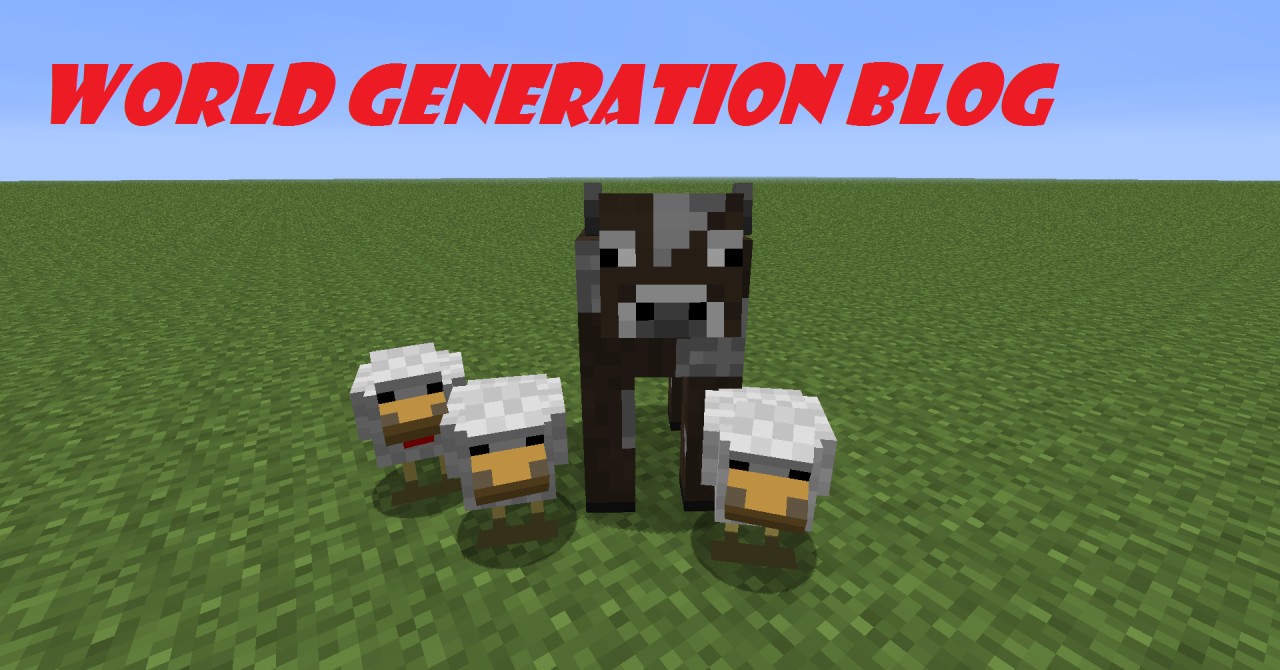
You want to learn how to create a minecraft world? Read this blog to start your most awesome worlds ever!
You need to, of course, download and pay for an account on minecraft.net! I cannot tell you the price of Minecraft, as it varies depending on your country. Just purchase an account and download the launcher and you're ready to go! Now open the launcher and login to your minecraft account. If this is your home computer, you should save the password so you don't have to type it in every time you play the game. It should tell you that it is downloading files if it is your first time in the game. To start a new world, click "Singleplayer" and near the bottom it should say "Create New World." Right click this with your mouse. Now think of a world name and type it. You may have to delete the words: "New World" to rename the world correctly. If you want a normal survival world leave as be in the "Create New World" section. If you want a really hard world, click the "Game Mode:" button once. If you want to be invincible, unlimited building, click it again and it should say "Game Mode: Creative." To change more world settings press "More World Options" and choose whether or not you want dungeons and villages by clicking "Generate Structures." Now, if you want a normal world just leave the "World Type" button alone. But, if you want a flat world, press the "World Type" button once. It should now say "World Type: Superflat. If you want huge biomes that seem neverending, then click it once more for "Large Biomes." Now, cheats are commands that help you in many ways. If they are off, they won't help. But if they are on then you can access, well, cheats! The "Bonus Chest" is just a bonus chest with wood items to start your world off. The Bonus Chest spawns near you in your world once you generate it.
-END OF WORLD STARTING-
You need to, of course, download and pay for an account on minecraft.net! I cannot tell you the price of Minecraft, as it varies depending on your country. Just purchase an account and download the launcher and you're ready to go! Now open the launcher and login to your minecraft account. If this is your home computer, you should save the password so you don't have to type it in every time you play the game. It should tell you that it is downloading files if it is your first time in the game. To start a new world, click "Singleplayer" and near the bottom it should say "Create New World." Right click this with your mouse. Now think of a world name and type it. You may have to delete the words: "New World" to rename the world correctly. If you want a normal survival world leave as be in the "Create New World" section. If you want a really hard world, click the "Game Mode:" button once. If you want to be invincible, unlimited building, click it again and it should say "Game Mode: Creative." To change more world settings press "More World Options" and choose whether or not you want dungeons and villages by clicking "Generate Structures." Now, if you want a normal world just leave the "World Type" button alone. But, if you want a flat world, press the "World Type" button once. It should now say "World Type: Superflat. If you want huge biomes that seem neverending, then click it once more for "Large Biomes." Now, cheats are commands that help you in many ways. If they are off, they won't help. But if they are on then you can access, well, cheats! The "Bonus Chest" is just a bonus chest with wood items to start your world off. The Bonus Chest spawns near you in your world once you generate it.
-END OF WORLD STARTING-
More like this

 Datapack Hub
 Sumaxi
 gigo09
 treefrog71
 MC Server SetUp Help
1426006
6



 User6614592G




 Captain Kai
 AJ051813
Have something to say?