
• 11/15/15 7:27 pm
- 618 views • 0 today
- save_alt 18 downloads
- Progress
- 100% complete

17
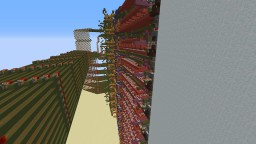
Minecraft Fully-Functional Minesweeper!

Description:
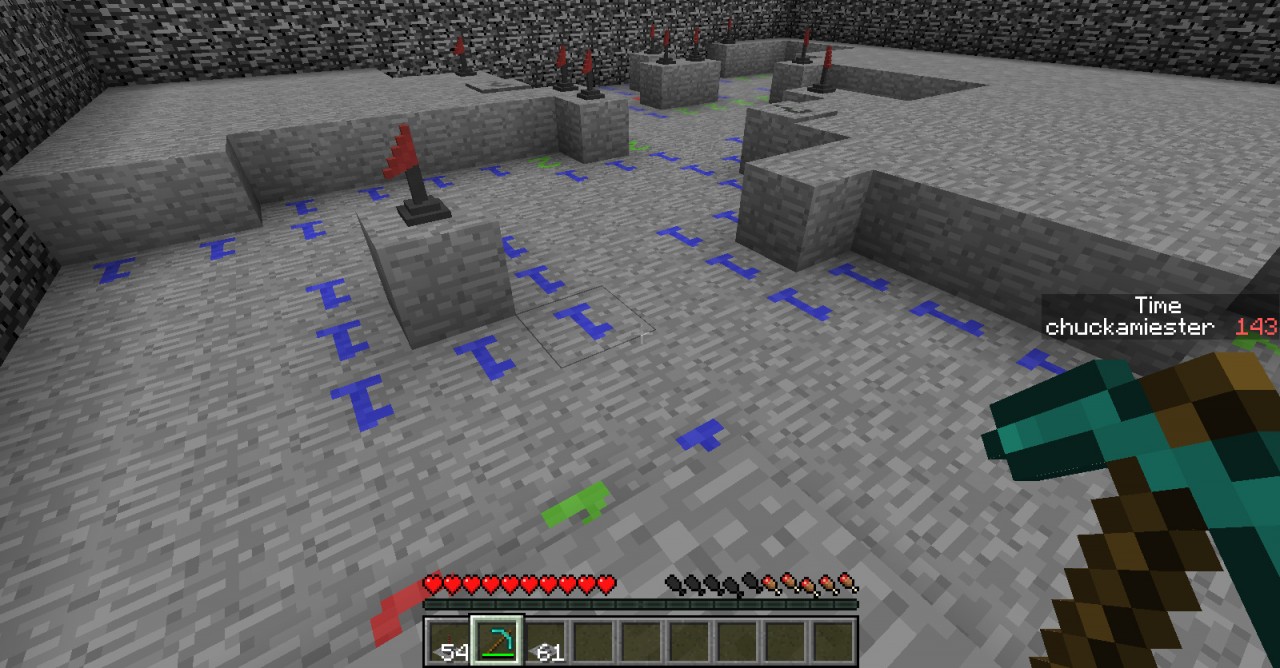
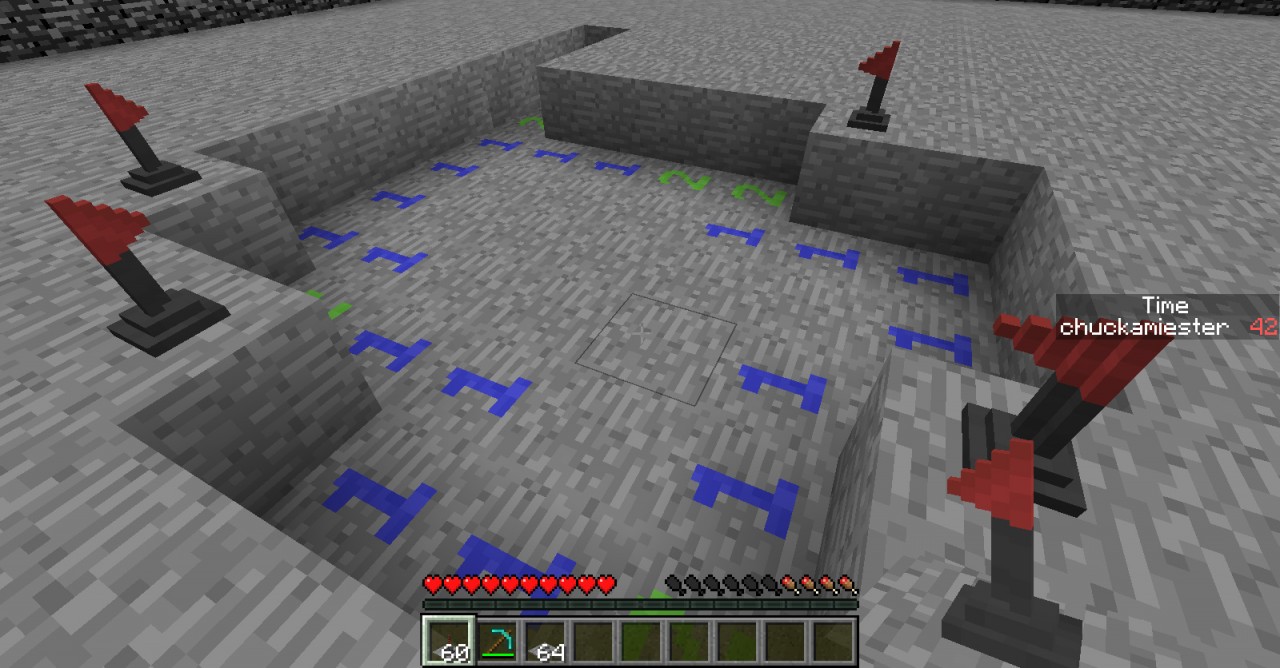
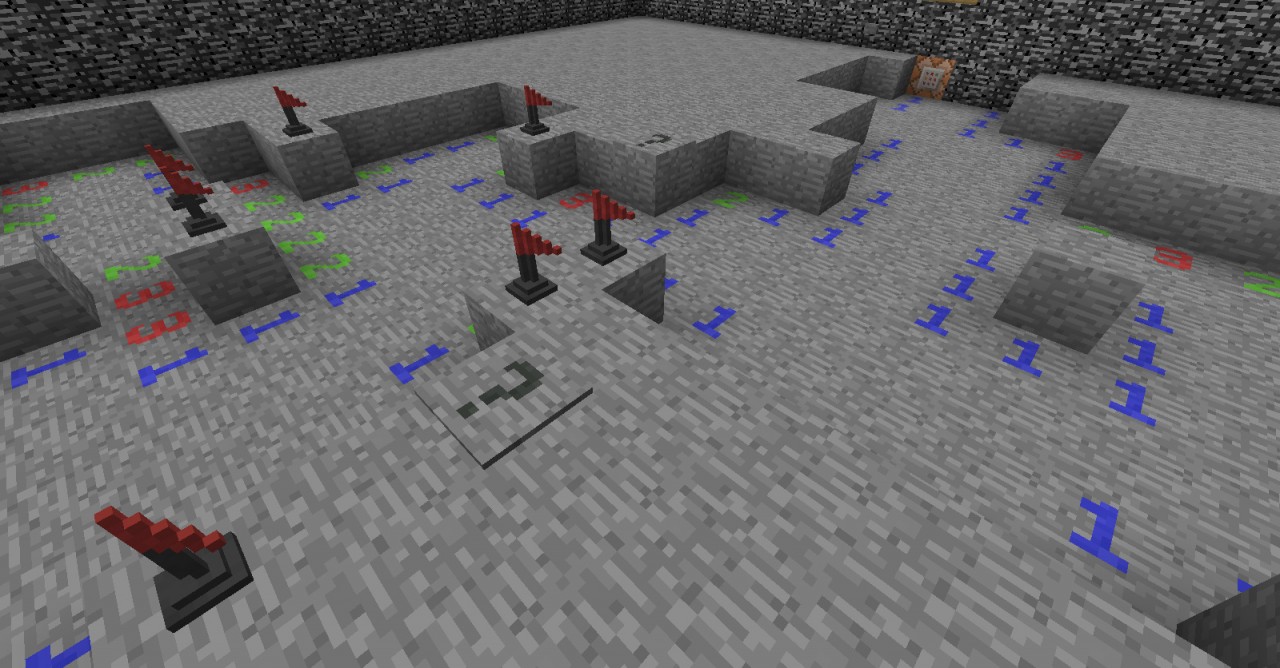
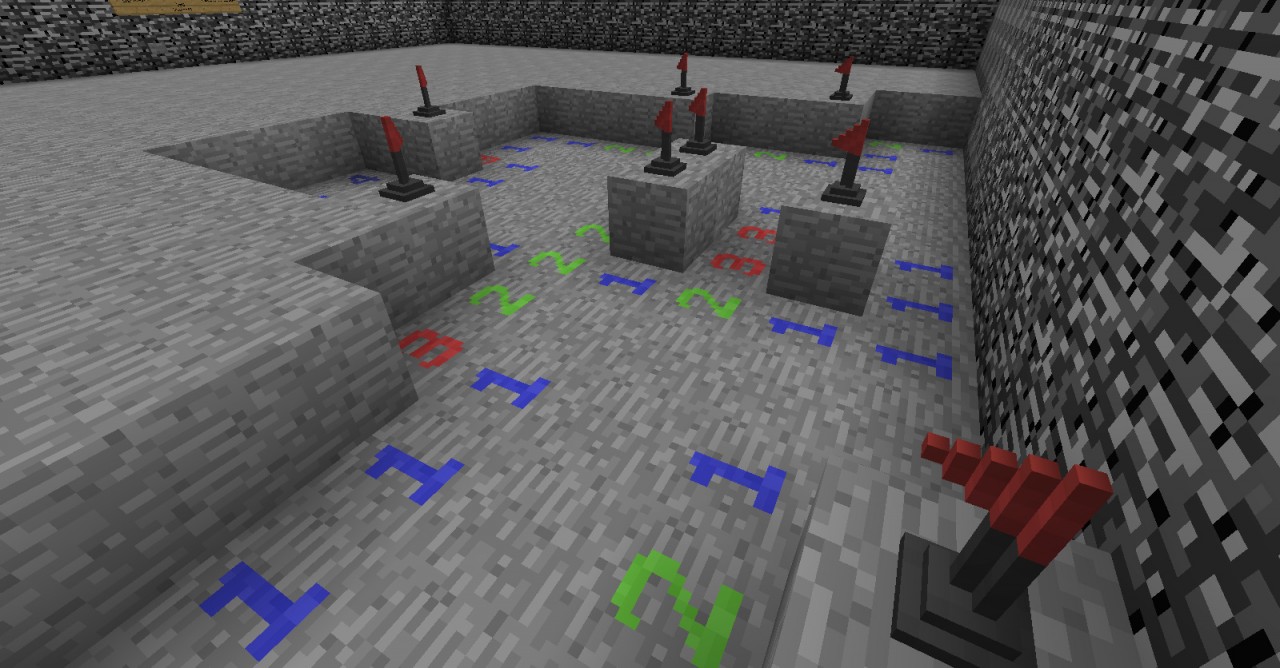
In Minesweeper the player must clear the surface area of every block that is not a mine. Numbers under the surface correspond to the number of mines an individual space is touching. Putting flags on mines allows you to keep track of which blocks are mines. Question marks are useful for identifying potential mines.
Minecraft Forums - Minecraft Minesweeper
Features:
- High-score and Timer system
- Randomly generated minefields
- Auto-clearing empty blocks
- Multiplayer friendly
- 3-D Flagpoles
- Spectating capabilities
Installation:
- Download "MCMinesweeper v1_2_3.zip".
- Open ".minecraft" usually located in the path "C:\Users\<YourUsernameHere>\AppData\Roaming".
- Place "MCRPMineSweeper.zip" in the "resourcepacks" folder.
- Place "Minesweeper v1_2_3" in the "saves" folder.
- Open Minecraft, select map in map selection and play!
If you encounter any bugs or significant lag, leave a comment detailing your problem below and I will do my best to fix it.
Also leave a comment if you have any suggestions for improvements!
More like this

![Minesweeper Minigame [No Mods] Minecraft Map & Project](https://static.planetminecraft.com/files/resource_media/screenshot/1425/thumbnail3_thumb.jpg)
 Fully functional MinesweeperRedstone Device Map
 Pieter12345
3/21/14 8:53
• posted 10/31/13 8:47
1k 70 8x 79
Pieter12345
3/21/14 8:53
• posted 10/31/13 8:47
1k 70 8x 79
 Mr-Squishy
 thegunmaster
 Geodesic
3007144
2


 WerwolfKoenig

 Adamic39
 Mortality SMP


 HPBFA Creator

 pakalewffi
Have something to say?
It's good to note that using "[r=1]" doesn't qualify corner blocks so I actually needed 4 additional command blocks to give scores to any of the 4 corner orientated ArmorStands.
So Basically... Armor Stands!