



• • 6/20/25 2:02 pm • 30 logs
- 290.8k views • 26 today
- save_alt 114k downloads • 7 today
- Game Version
- Minecraft Bedrock
- Resolution
- 16x
- Progress
- 95% complete
- Changes include
- Environment
- GUI
- Items
- Misc
- Models
- Particles
- Terrain
Added CreditDr.Beako ┋ good7777865 (Minecraft Username) … info

335
Chase the Skies / Vibrant Visuals update is out! (Supports point lighting too!)
If you use Vibrant Visuals, make sure you select the Vibrant Visuals option in the resource pack options!
![Radiant Pack RTX [With Vibrant Visuals] Minecraft Texture Pack](https://i.ibb.co/fzJFy0jM/image.png)
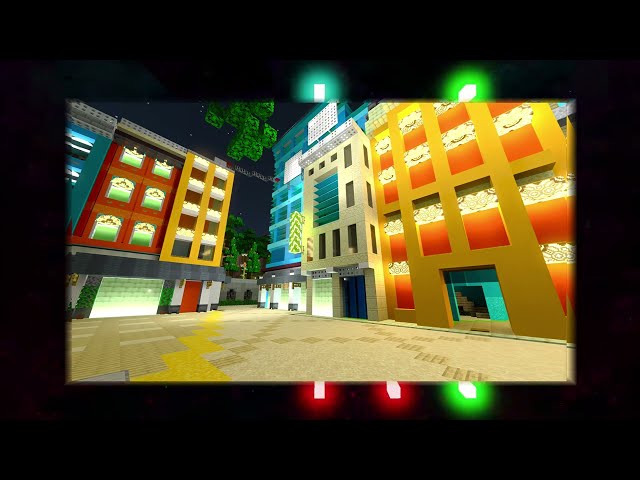
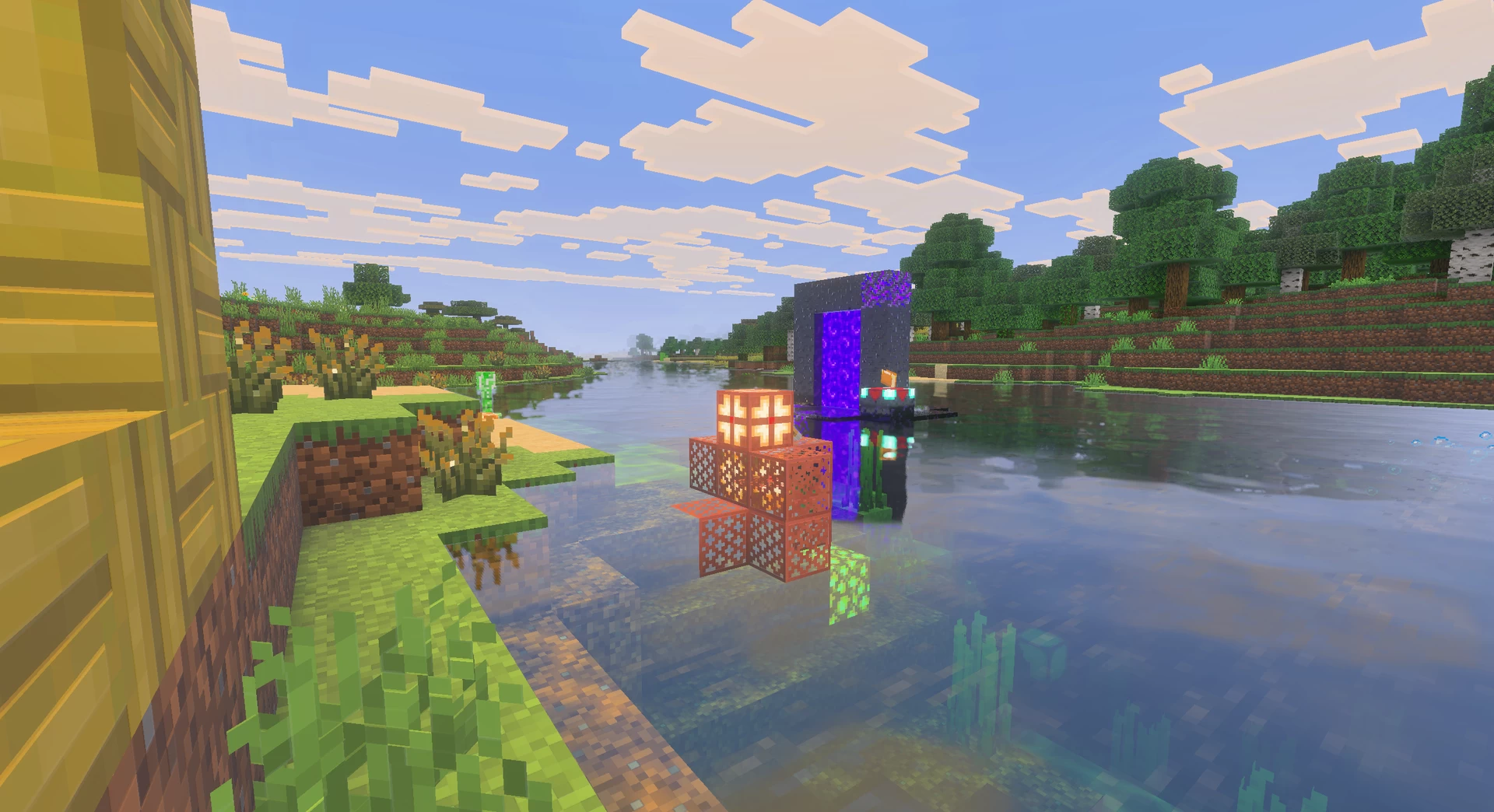
Radiant Pack RTX, created by Lioncat6, is a 16x16 glowing Resource pack for Minecraft Bedrock. The glow effects within the resource pack are designed to shine while retaining Minecraft originality.
I highly recommend using BetterRTX!
⚠️Mojang has BROKEN RTX in the new update⚠️
Read more here:
https://www.reddit.com/r/minecraftRTX/comments/1lfpmxj/an_update_about_support_for_rtx_in_the_future/
DrBeako's java pack: www.planetminecraft.com/texture-pack/radiant-pack/

Support me on Patreon!: https://www.patreon.com/Lioncat6
Lion's Pride discord server: https://discord.gg/qeBTyA8uqX
Make Sure to turn on "Ray Tracing" in your video settings in Minecraft. See below for system Requirements
This resource pack requires a ray-tracing capable graphics card, meaning it is pc only, and you have to Meet the System Requirements Below:
Known (major) issues:
If you post this pack anywhere, please properly credit me and provide a download link to this page! Thanks :)
PS: You do not have permission to make money off of this (that includes AD revenue), and should you decide to put anything related to this pack somewhere, you must have a download link linking here, unless I explicitly state otherwise.
If you use Vibrant Visuals, make sure you select the Vibrant Visuals option in the resource pack options!
Radiant Pack RTX, created by Lioncat6, is a 16x16 glowing Resource pack for Minecraft Bedrock. The glow effects within the resource pack are designed to shine while retaining Minecraft originality.
I highly recommend using BetterRTX!
⚠️Mojang has BROKEN RTX in the new update⚠️
Read more here:
https://www.reddit.com/r/minecraftRTX/comments/1lfpmxj/an_update_about_support_for_rtx_in_the_future/
Radiant Pack RTX Addons
![Radiant Pack RTX [With Vibrant Visuals] Minecraft Texture Pack](https://static.planetminecraft.com/files/image/minecraft/texture-pack/2022/828/16357888-minecraft-pm_l.webp)
DrBeako's java pack: www.planetminecraft.com/texture-pack/radiant-pack/
Support me on Patreon!: https://www.patreon.com/Lioncat6
Lion's Pride discord server: https://discord.gg/qeBTyA8uqX
Make Sure to turn on "Ray Tracing" in your video settings in Minecraft. See below for system Requirements
This resource pack requires a ray-tracing capable graphics card, meaning it is pc only, and you have to Meet the System Requirements Below:
- Windows 10 64-bit or higher
- GPU: DirectX hardware ray tracing capable GPU like NVIDIA GeForce® RTX 20 Series and higher, and AMD Radeon™ RX 6000 Series and higher
- Hardware: PC
- Intel Core i5 equivalent or higher
- 8 GB of RAM or higher
- Minecraft Bedrock: 1.16.200 or higher
Known (major) issues:
- Candles won't glow... MCPE-1320021
- The carried texture won't work for glass panes. If anyone knows why, please let me know
- Warden's texture looks weird MCPE-157438
- Falling blocks are invisible MCPE-144791
- Banners don't render properly MCPE-130350 MCPE-130262
If you post this pack anywhere, please properly credit me and provide a download link to this page! Thanks :)
PS: You do not have permission to make money off of this (that includes AD revenue), and should you decide to put anything related to this pack somewhere, you must have a download link linking here, unless I explicitly state otherwise.
30 Update Logs
Version 1.0.17 Vibrant Visuals : by Lioncat6 06/20/2025 2:02:29 pmJune 20, 2025 @ 6:02 pm UTC
- Added support for vibrant visuals
- - Make sure you select the Vibrant Visuals option in the pack options!
- - Uses high-resolution Shadows and Caustics to emulate RTX rendering!
- Added new textures
- - Dried Ghast
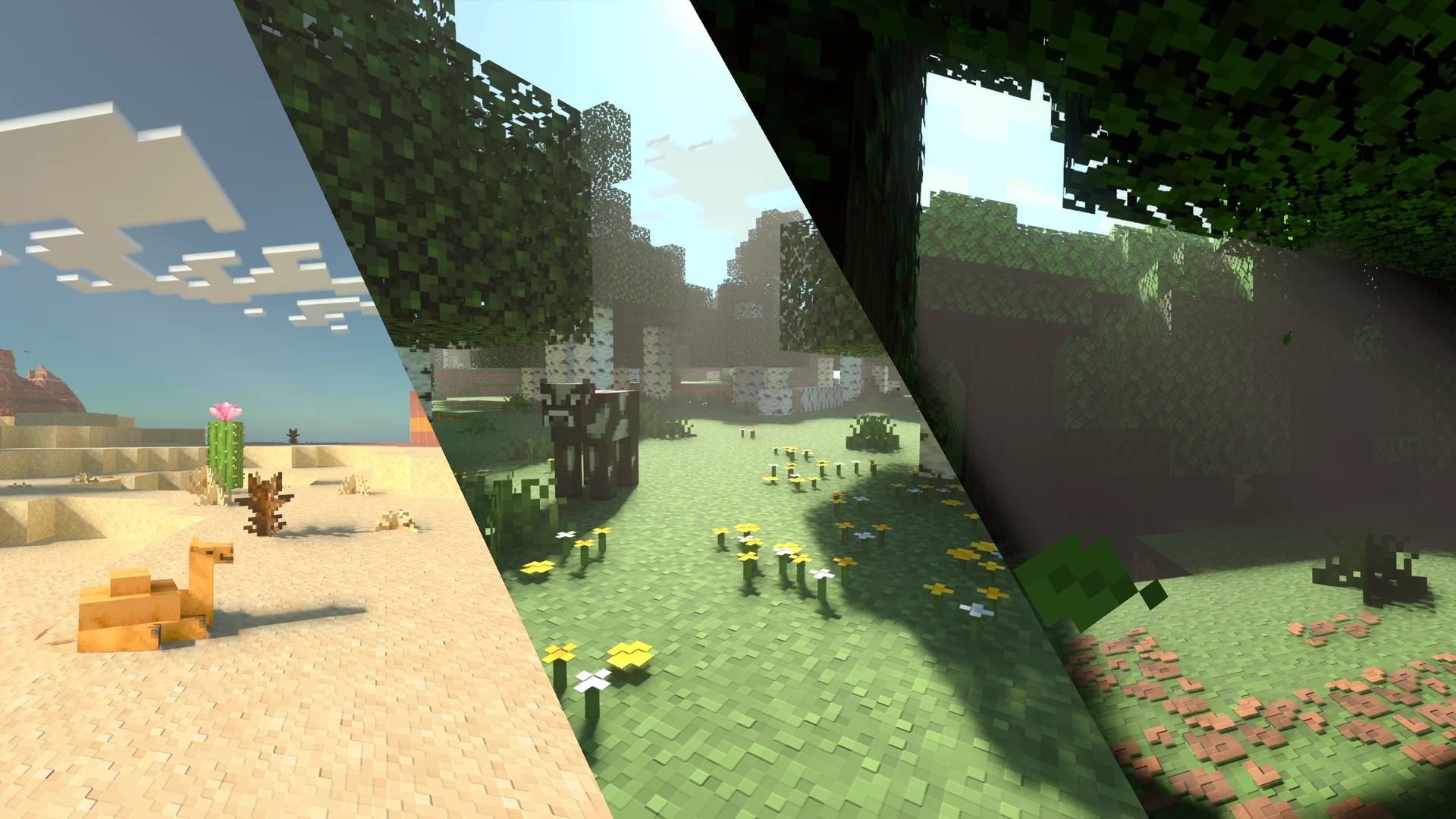
Shadows and Caustics with Vibrant Visuals

------------------------------------------------------------------------------------------------------------------------------------------------------
Vibrant Visuals at Night

------------------------------------------------------------------------------------------------------------------------------------------------------
Vibrant Visuals during the Day

LOAD MORE LOGS
More like this
 RealismRTX1024x Minecraft Bedrock Realistic Texture Pack
 NotJohnnyTamale
•8/15/22 2:42
22.2k 5.8kx 537
NotJohnnyTamale
•8/15/22 2:42
22.2k 5.8kx 537 Roundista 256x - Vibrant Visuals & RTX256x Minecraft Bedrock Simplistic Texture Pack
 Shivamzter
6/6/26 8:16
• posted 4/27/25 4:35
9.6k 955 2x 585
Shivamzter
6/6/26 8:16
• posted 4/27/25 4:35
9.6k 955 2x 585 Stylista 128x - Vibrant Visuals & RTX128x Minecraft Bedrock Realistic Texture PackShivamzter
5/29/26 11:32
• posted 4/27/25 4:35
8.2k 1.9k 4x 4911
Stylista 128x - Vibrant Visuals & RTX128x Minecraft Bedrock Realistic Texture PackShivamzter
5/29/26 11:32
• posted 4/27/25 4:35
8.2k 1.9k 4x 4911 Stylista 256x - Vibrant Visuals & RTX256x Minecraft Bedrock Realistic Texture PackShivamzter
5/29/26 11:35
• posted 4/27/25 4:30
5k 375x 644
Stylista 256x - Vibrant Visuals & RTX256x Minecraft Bedrock Realistic Texture PackShivamzter
5/29/26 11:35
• posted 4/27/25 4:30
5k 375x 644 Chemistry RTX | Education Extensions for Vanilla RTX16x Minecraft Bedrock Themed Texture Pack
 Cubeir
1/7/26 9:50
• posted 7/22/25 3:00
2.9k 341x 81213
Cubeir
1/7/26 9:50
• posted 7/22/25 3:00
2.9k 341x 81213
5430773
4
![Radiant Pack RTX [With Vibrant Visuals] Minecraft Texture Pack](https://static.planetminecraft.com/files/image/minecraft/texture-pack/2022/773/16055511-minecraft-am_s.jpg)
![[Behavior Pack] Glow Blocks for Radiant Pack RTX Minecraft Texture Pack](https://static.planetminecraft.com/files/image/minecraft/texture-pack/2022/828/16356384-minecraft-pm_s.jpg)







 GlitchPro
 v3locity


 crackmine_kingstor_drossy_cake

Have something to say?
For anyone who's looking to turn on Ray Tracing after the new 1.21.90 update, here's what you need to know. Many new bugs have been introduced that makes this process highly convoluted, but at least there is still a way to get it working!
Make sure `Allow In-Game Graphics Mode Switching` is turned on, then you can enter a world and change the graphics mode to Ray Traced. It doesn't work in the main menu due to this bug:> **Ray Tracing can only be enabled while loaded in a world**> bugs.mojang.com/browse/MCPE/issues/MCPE-191513
Also keep in mind that you'll need to toggle the `Allow In-Game Graphics Mode Switching` option off and on again every time you reopen the game to make sure PBR textures still load. Bug report for that here:> **"Allow In-game Graphics Mode Switching" must be toggled on for PBR textures to load with Ray Tracing**> bugs.mojang.com/browse/MCPE/issues/MCPE-220313
.